
Overlapping stylized avatar effects - 重叠风格化头像特效
5.0
0 reviews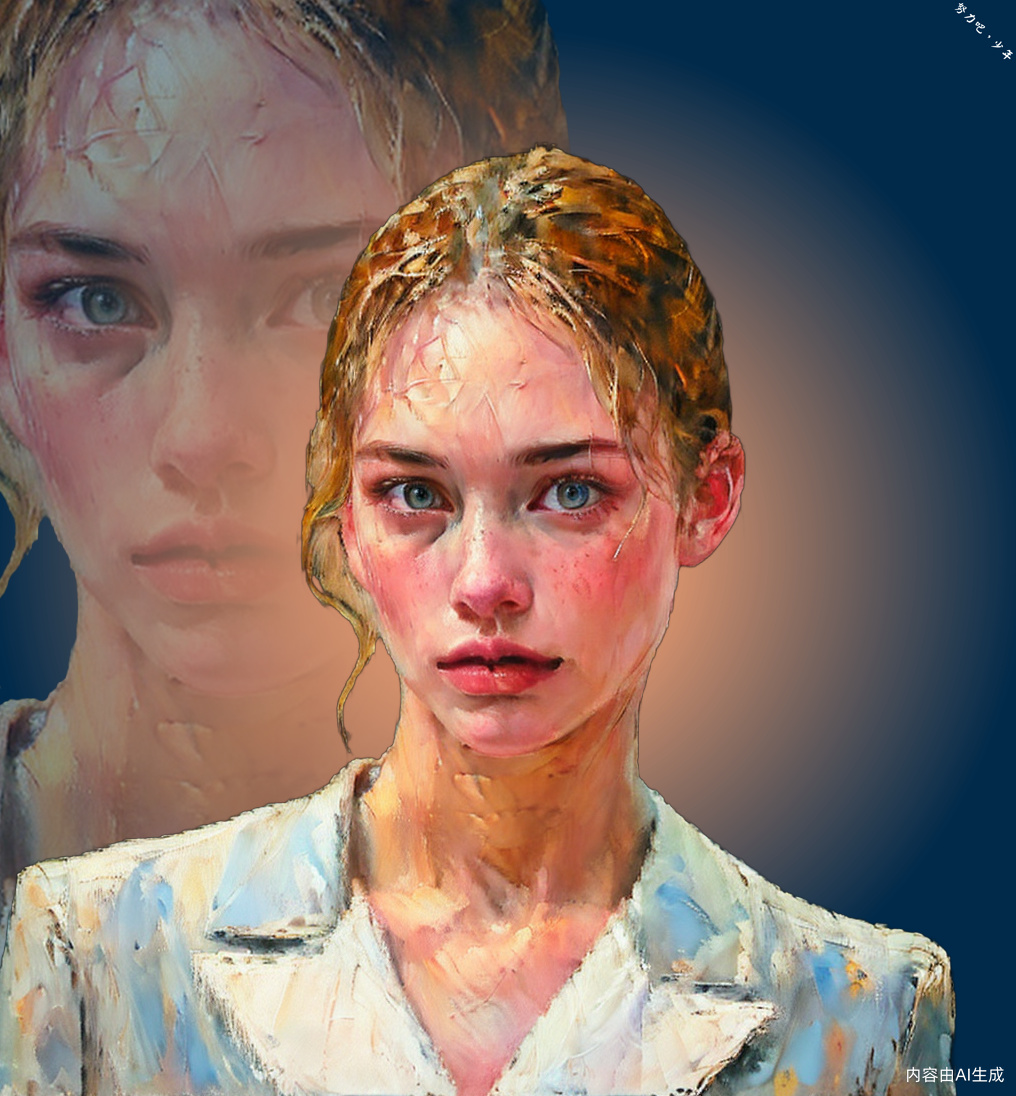
Description
Overlapping stylized avatar effects
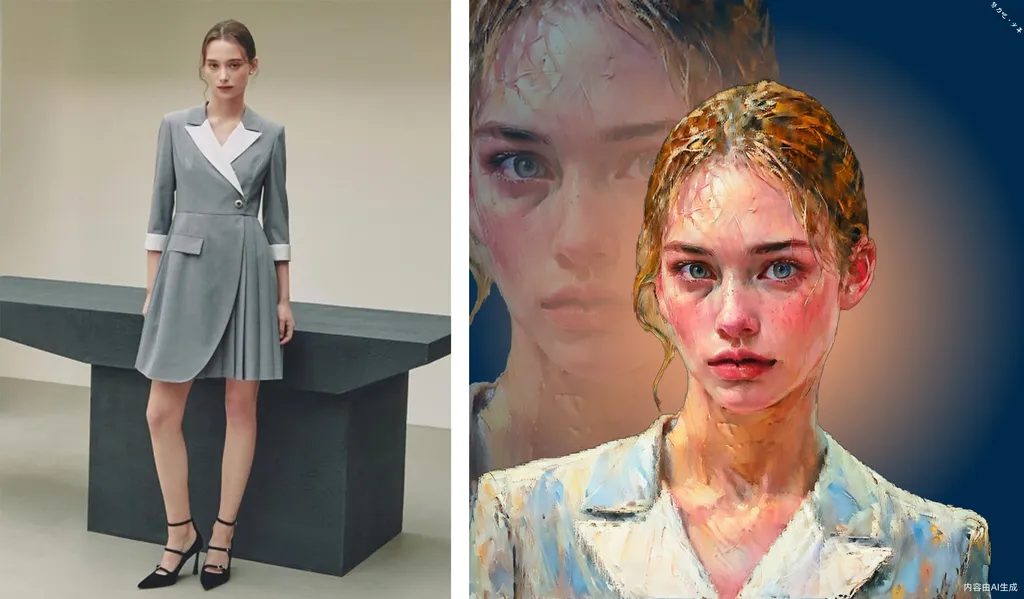
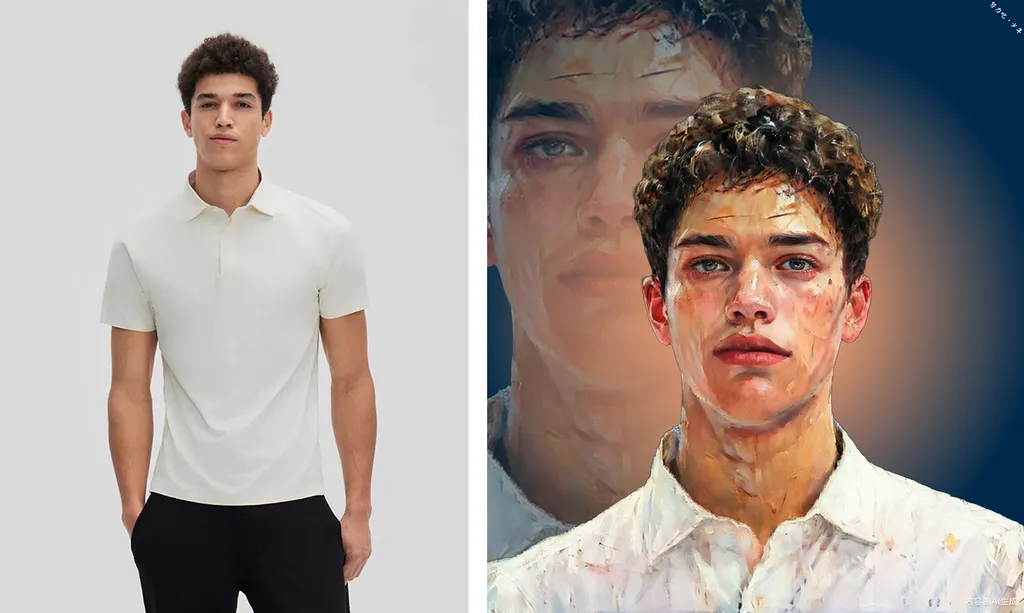
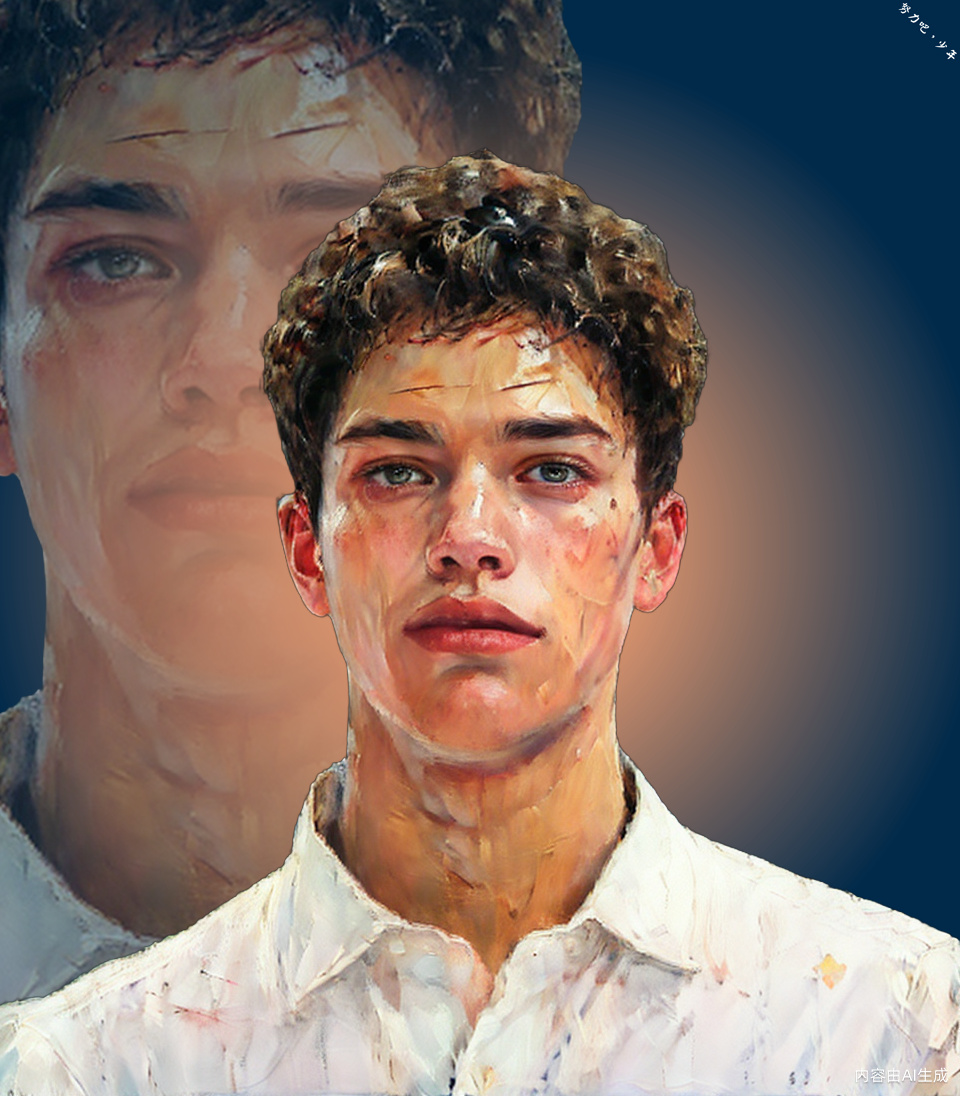
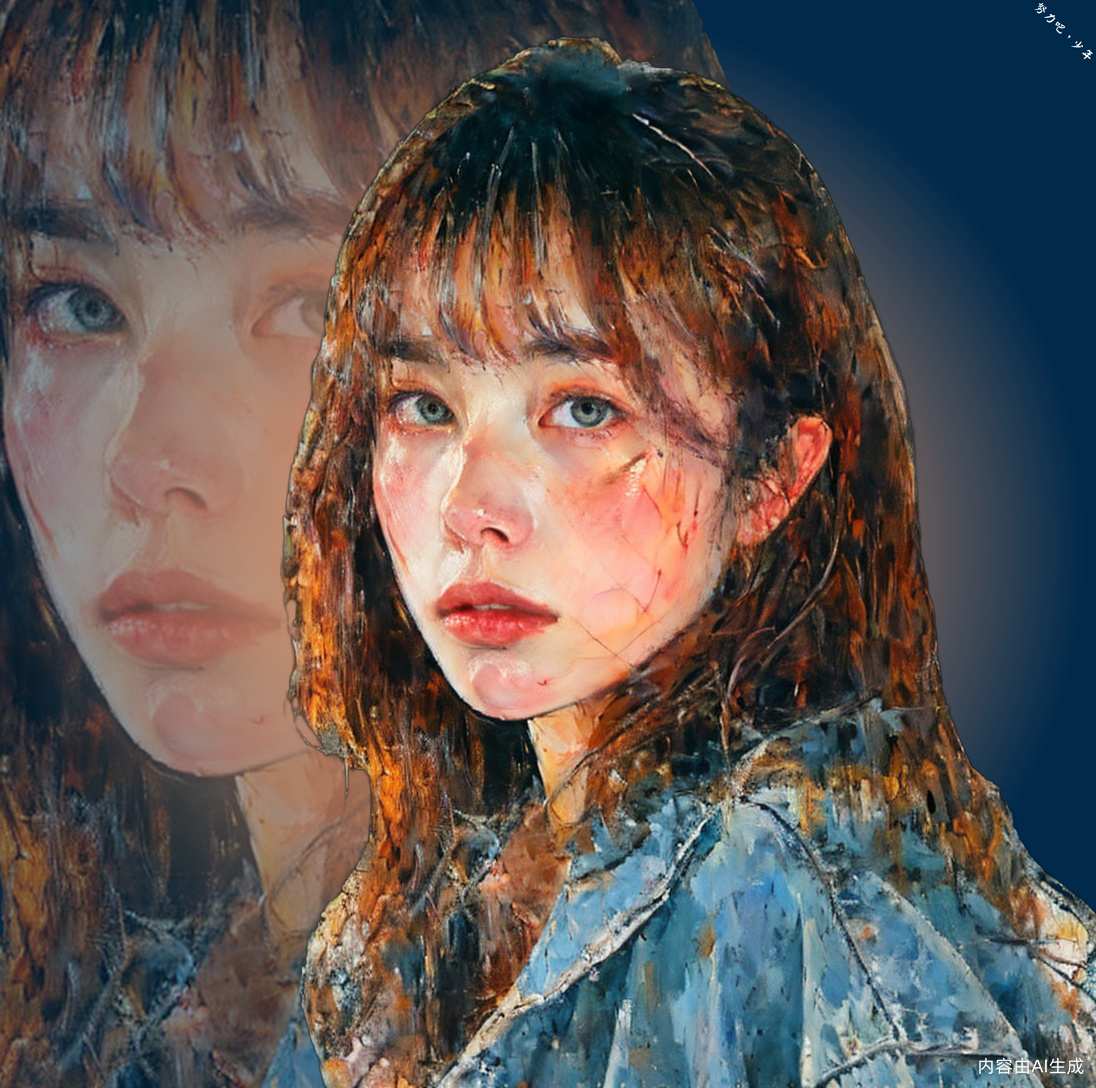
This workflow generates an overlapping stylized avatar effect by uploading a person photo
The workflow is roughly divided into the following steps
1. Crop the appropriate area of the portrait
2. Stylish based on portraits (this workflow uses oil painting style, which can be replaced with one's own stylized process)
3. Remove the background from stylized images
4. Layer operation, specifically consisting of 5 layers, from background to foreground as follows
1) Background layer
2) Enlarge the stylized portrait layer by 1.5 times, identify the position of the face, and align the top left corner of the face position with the top left corner of the frame
3) Halo layer
4) Stylish portrait layer
5) Signature text layer in the upper right corner
cloud version available:
https://www.runninghub.cn/#/post/1846220812872511490
Author contact
WeChat: xdtr6688
mail:[email protected]
website: https://trydiffusion.com
----------------------------------------------------------
重叠风格化头像特效
本工作流通过上传一张人物照片,最终生成一种重叠风格化头像特效
工作流大概分为如下步骤
1. 裁剪出人像合适区域
2. 根据人像做风格化(本工作流使用了油画风格,可以替换为自己的风格化流程)
3. 将风格化图片去除背景
4. 图层操作,具体为5个图层,从背景到前景如下
1) 背景层
2) 将风格化人像图层放大1.5倍,识别出人脸位置,将人脸位置左上角对齐画幅左上角
3) 光晕层
4) 风格化人像层
5) 右上角签名文字层
可在线运行地址 https://www.runninghub.cn/#/post/1846220812872511490
作者微信:xdtr6688
网站: https://trydiffusion.com
Discussion
(No comments yet)
Loading...

Resources (3)
Reviews
No reviews yet
Versions (1)
- latest (a year ago)
Node Details
Primitive Nodes (48)
DF_Image_scale_to_side (1)
DF_Int_to_Float (2)
GetNode (11)
ImageResizeAdvanced (1)
InspyrenetRembg (2)
LayerMask: DrawBBoxMask (1)
LayerMask: ObjectDetectorYOLO8 (2)
LayerUtility: TextImage V2 (1)
Note (10)
Reroute (7)
SetNode (10)
Custom Nodes (98)
- BNK_CLIPTextEncodeAdvanced (2)
- ImageTransformRotate (2)
- CR Text Concatenate (1)
- CR Multi-ControlNet Stack (1)
- CR Apply Multi-ControlNet (1)
- CR Text (2)
- CR Radial Gradient (1)
ComfyUI
- KSampler (1)
- VAEEncode (1)
- VAELoader (1)
- CheckpointLoaderSimple (1)
- LoraLoader (1)
- PreviewImage (18)
- MaskToImage (3)
- ImageToMask (3)
- ImageCompositeMasked (2)
- ImageCrop (2)
- SolidMask (1)
- SaveImage (1)
- VAEDecode (1)
- MaskComposite (1)
- LoadImage (1)
- easy imageSize (2)
- LayerUtility: ColorImage V2 (2)
- LayerUtility: ImageBlend V2 (2)
- LayerMask: MaskPreview (7)
- LayerUtility: GetImageSize (2)
- LayerUtility: ColorImage (1)
- LayerUtility: ImageBlend (1)
- ETN_ApplyMaskToImage (1)
- DepthAnythingPreprocessor (1)
- WD14Tagger|pysssss (1)
- IPAdapterAdvanced (1)
- IPAdapterUnifiedLoader (1)
- IPAdapterNoise (1)
- BRIA_RMBG_ModelLoader_Zho (2)
- BRIA_RMBG_Zho (2)
- Int (1)
- Float (1)
- TextImage (1)
- AnyLineArtPreprocessor_aux (1)
- CropFace (1)
Hakkun-ComfyUI-nodes
- Image Resize To Height (2)
- INTConstant (1)
- BboxToInt (2)
- StringConstant (2)
- RemapMaskRange (1)
- Cut By Mask (1)
- Change Channel Count (3)
- MathExpression|pysssss (2)
- Any To Any (2)
- JWImageResizeByLongerSide (2)
Model Details
Checkpoints (1)
白泽MARS-梦幻油画质感_S2.0.safetensors
LoRAs (1)
盒子系列——油画真实质感_1.0.safetensors