
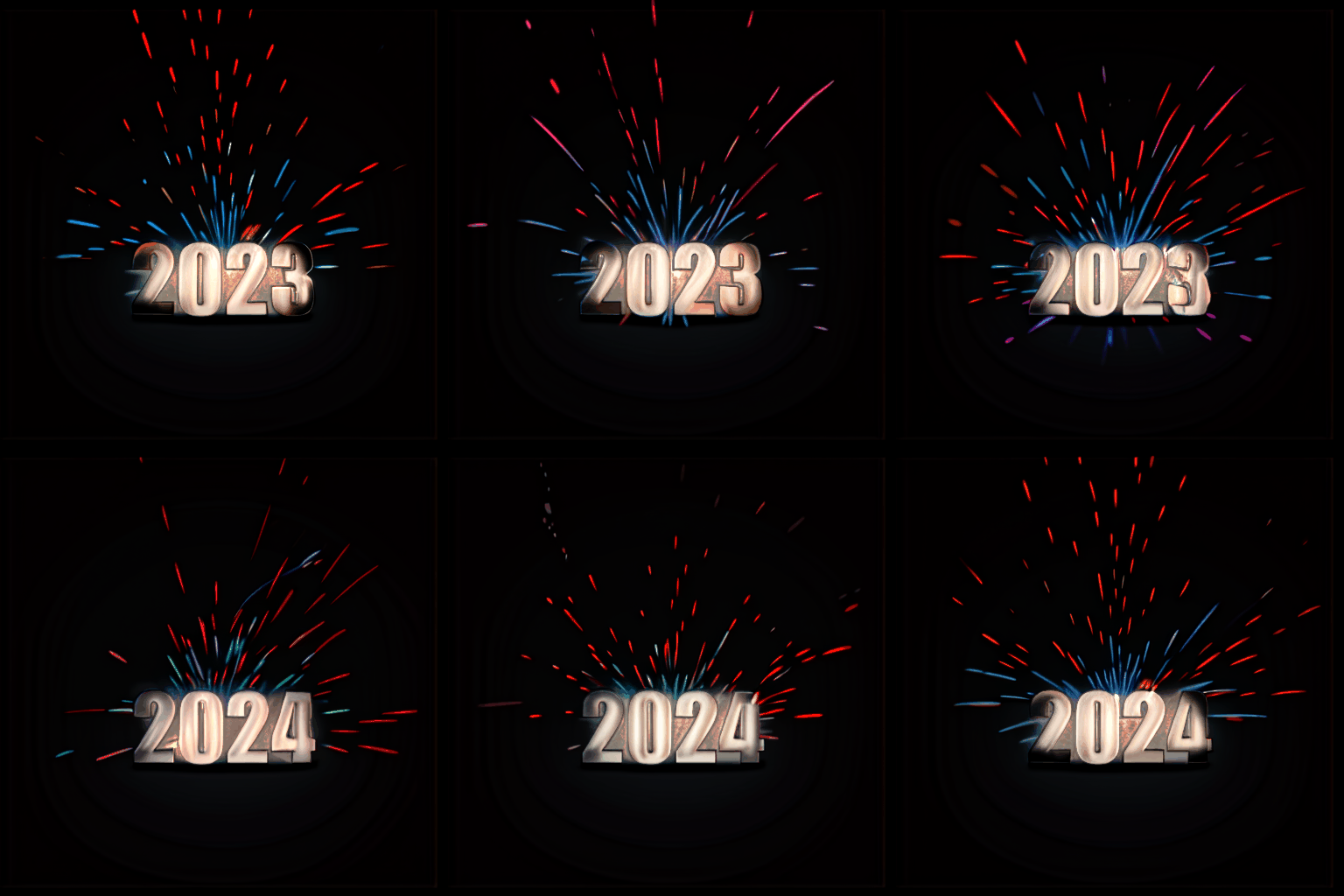
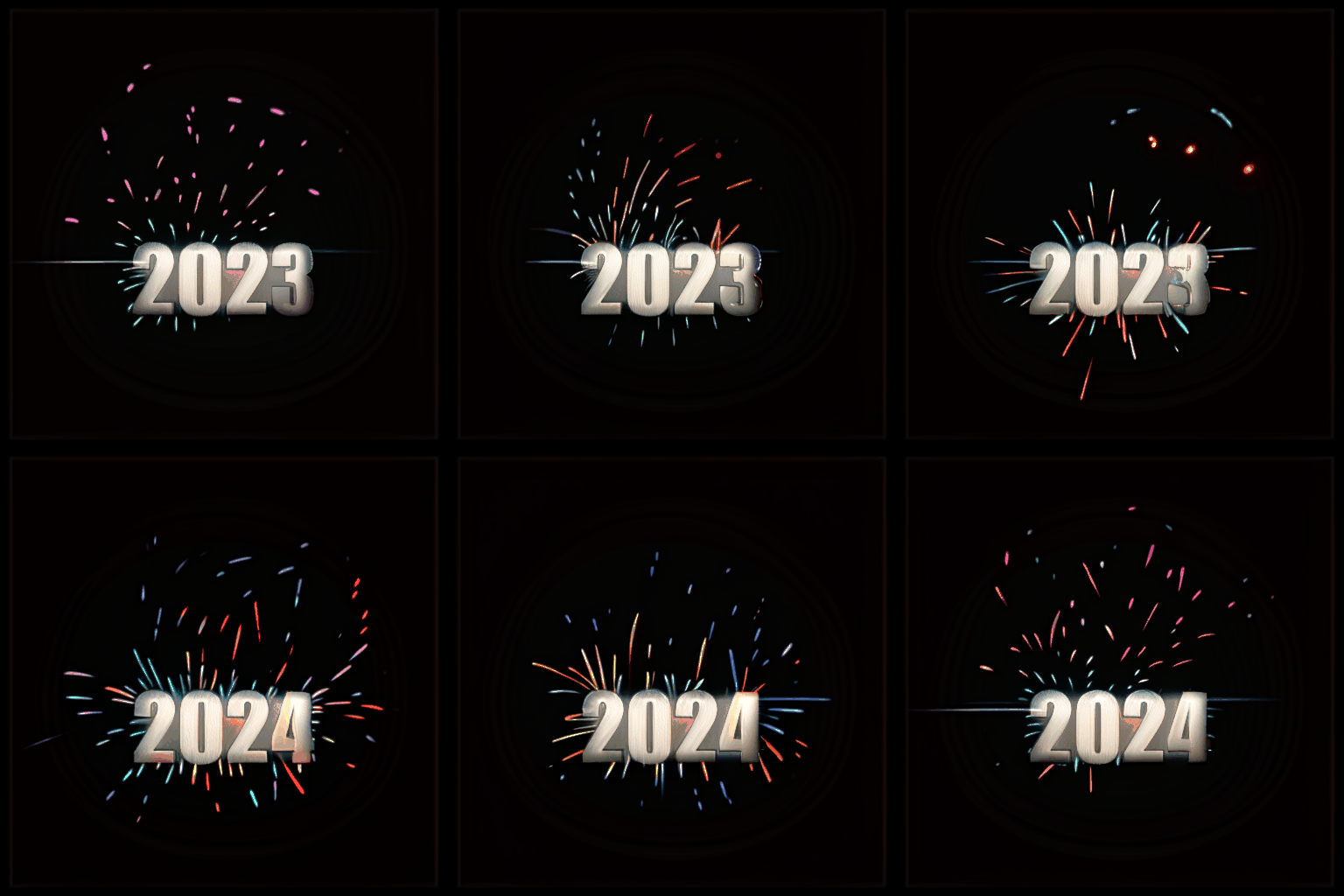
2023-24 Fireworks "Text Animation"
5.0
1 reviews
Description
What this workflow does
👉 Generates Text Transition Animation + Effects.
How to use this workflow
👉 Change the settings inside MAIN INPUTS group to change the animation to something else.
Text size, and the used font, can be changed in the "Image Text" node.
The output is not saved by default, so you will have to either save it manually or change the settings of the "Video Combine" node!
Discussion
(No comments yet)
Loading...
Reviews
No reviews yet
Versions (1)
- latest (2 years ago)
Node Details
Primitive Nodes (10)
Integer (3)
PrimitiveNode (1)
Reroute (6)
Custom Nodes (54)
- ImageFilterGaussianBlur (1)
- ImageText (1)
- ImageEffectsAdjustment (1)
- ImageCompositeRelative (1)
- ADE_AnimateDiffLoaderWithContext (1)
- ADE_AnimateDiffUniformContextOptions (1)
- ToStringList (1)
- ImageBatchToList (1)
- FromListGet1Image (2)
- FromListGet1Latent (2)
- ExtendLatentList (1)
- Kep_RepeatList (2)
ComfyUI
- VAELoader (1)
- CLIPSetLastLayer (1)
- VAEDecode (3)
- CheckpointLoaderSimple (1)
- LoraLoader (1)
- PreviewImage (6)
- LatentInterpolate (2)
- VAEEncode (2)
- ControlNetApplyAdvanced (3)
- ImageBlend (1)
- EmptyImage (1)
- KSamplerAdvanced (1)
- RebatchImages (1)
- CLIPTextEncode (2)
- RebatchLatents (1)
- ImageListToImageBatch (1)
- FloatRange //Inspire (1)
- LineArtPreprocessor (1)
- ControlNetLoaderAdvanced (2)
- VHS_VideoCombine (1)
- GenerateNoise (1)
- MathExpression|pysssss (2)
- Image Blending Mode (1)
- Text Multiline (2)
Model Details
Checkpoints (1)
sd15\mayoMIX_mayoFP16.safetensors
LoRAs (1)
lcm\lcm_lora_sd15.safetensors