
pixelWave_flux workflow (Just a flux text 2 image workflow)
5.0
0 reviews
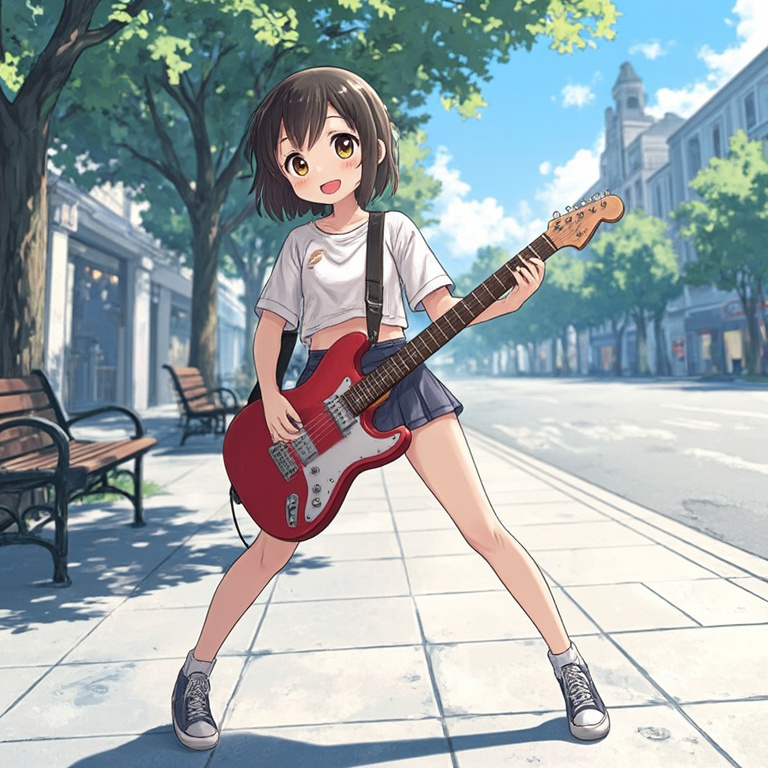

Description
Model Here: https://civitai.com/models/141592/pixelwave
Step 0: Install the custom node GGUF loader
https://github.com/city96/ComfyUI-GGUF
Step 1: Download two CLIP "LLMs"
https://huggingface.co/comfyanonymous/flux_text_encoders/tree/main
Specifically t5xxl_fp8_e4m3fn.safetensors and clip_l.safetensors
Clip_G = Global for the prompt you want to focus on everything
Clip_L = Local for details to specific areas of the picture lets say eyes, or nose or something and then the normal prompt So you can use 3 prompts that feed into your KSampler You type your regular prompt in clip_g you can put detailing info you want applied to all of the picture in clip_l you put specific parts of the image you want to detail further.
Clip_L : it's the industry standard if you will almost all other Clip stuff was derived from that.
Additional t5 clip encoders
https://huggingface.co/city96/t5-v1_1-xxl-encoder-gguf/tree/
L and G encoders
https://huggingface.co/stabilityai/stable-diffusion-3-medium/tree/main/text_encoders https://huggingface.co/stabilityai/stable-diffusion-3.5-medium/tree/main/text_encoders
Additional doc
https://comfyanonymous.github.io/ComfyUI_examples/flux/
Discussion
(No comments yet)
Loading...

Reviews
No reviews yet
Versions (1)
- latest (a year ago)
Node Details
Primitive Nodes (0)
Custom Nodes (12)
ComfyUI
- SamplerCustomAdvanced (1)
- EmptyLatentImage (1)
- BasicGuider (1)
- KSamplerSelect (1)
- VAEDecode (1)
- SaveImage (1)
- RandomNoise (1)
- DualCLIPLoader (1)
- VAELoader (1)
- UNETLoader (1)
- BasicScheduler (1)
- CLIPTextEncode (1)
Model Details
Checkpoints (0)
LoRAs (0)