
ads-products-design(flux)
5.0
0 reviews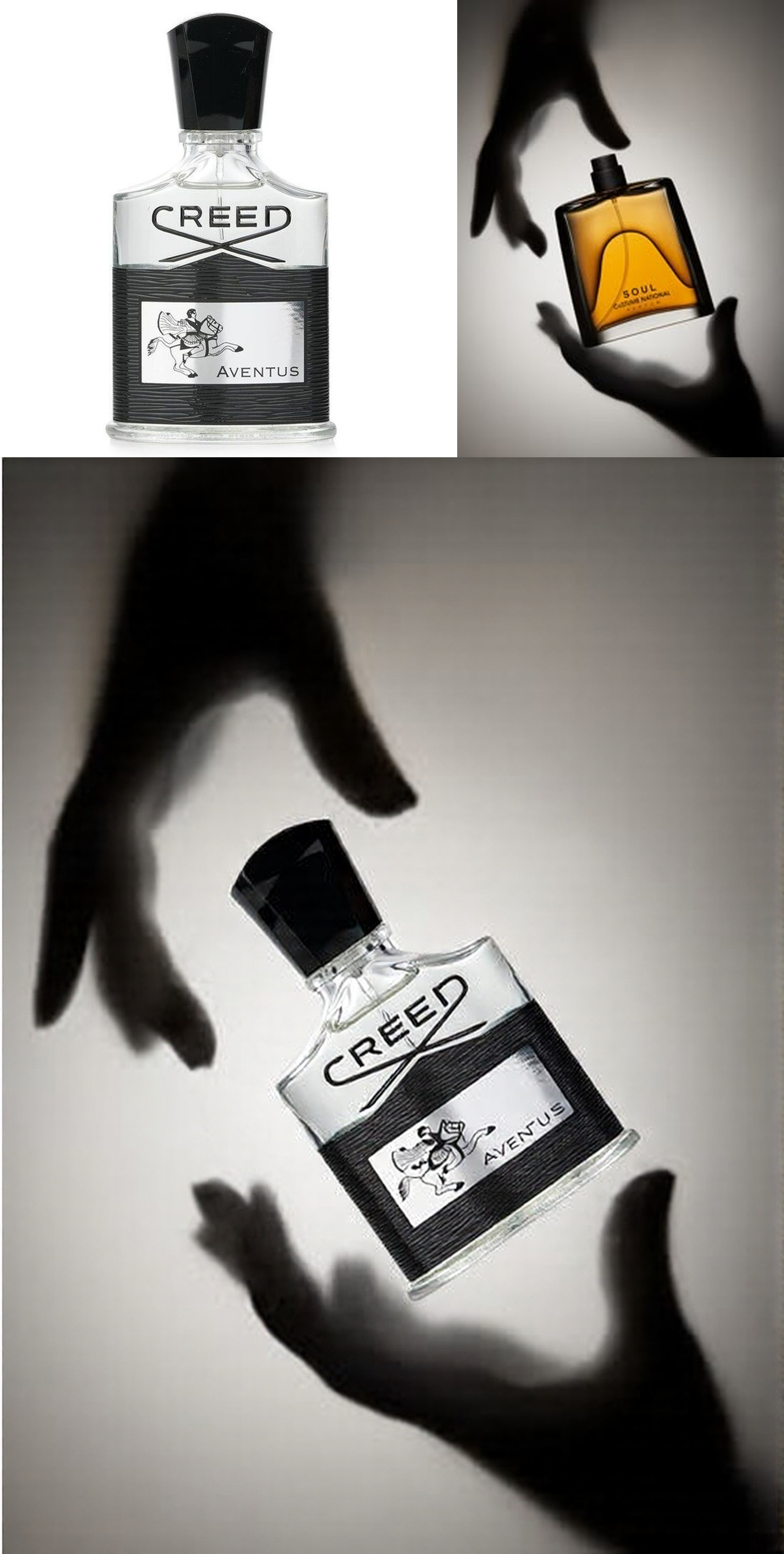

Description
Remember to give LIKE 👍!
🎨 FluxFill Development: Advanced Inpainting Workflow Guide for ComfyUI
🌟 Introduction
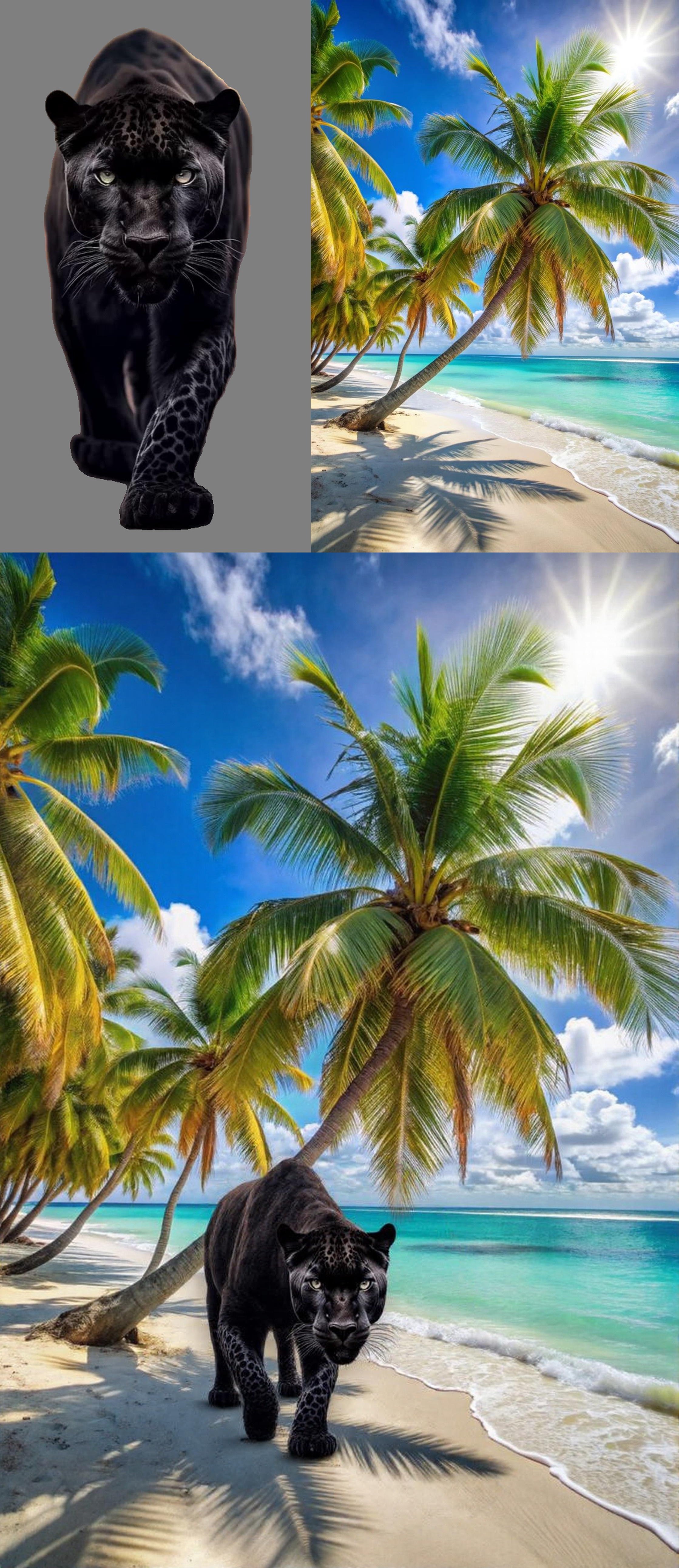
Transform your image editing game with FluxFill-dev, a powerful inpainting solution perfect for creating professional ad posters and creative image remixes. This comprehensive guide will walk you through setting up and using this innovative workflow in ComfyUI.
📦 Required Components
Essential Models
- FluxFill Development Model
- 🎯File: fluxfill-dev.gguf
- Location: ComfyUI/models/diffusion_models/
- Source: CivitAI Download
Note: This is a quantized version of black-forest-labs/FLUX.1-Fill-dev
- Flux Redux
- 🔄File: flux1-redux-dev.safetensors
- Location: ComfyUI/models/style_models/
- Source: Hugging Face Repository
Optional Enhancement
- CLIP Model
- 📎File: ViT-L-14-TEXT-detail-improved-hiT-GmP-TE-only-HF.safetensors (ClipL)
- Location: ComfyUI/models/clip/
- Source: Download Link
💫 Using the Workflow
🎥 Quick Visual Tutorial
For a detailed visual walkthrough, check out the video tutorial:
- Launch ComfyUI
- Start your ComfyUI instance
- Load the FluxFill workflow
- Install missing node from Comfyui Manager
- Basic Operation
- Import your base image
- Select the area for inpainting
- Adjust parameters as needed
- Generate your modified image
- Advanced Tips
Use the CLIP model for enhanced text-to-image alignment
Experiment with different masking techniques
Fine-tune parameters for optimal results
🌟 Example Applications
- Advertising
Product placement
Background replacement
Brand integration
Creative Editing
Object removal
Style transfer
Background enhancement
Digital Art Composite creation
Style blendingDetail enhancement
📝 Final Notes
This workflow represents a powerful tool for professional image editing and creative work. With proper setup and understanding, you can achieve remarkable results in advertising, digital art, and creative image manipulation.
Happy creating! 🎨✨
Discussion
(No comments yet)
Loading...

Reviews
No reviews yet
Versions (1)
- latest (a year ago)
Node Details
Primitive Nodes (10)
BRIA_RMBG_ModelLoader (1)
Fast Groups Muter (rgthree) (1)
FluxGuidance (1)
Label (rgthree) (6)
UnetLoaderGGUF (1)
Custom Nodes (34)
- AlphaChanelRemove (1)
- CR Image Input Switch (1)
- CR Seed (1)
ComfyUI
- LoadImage (3)
- PreviewImage (4)
- InvertMask (1)
- ImageScale (3)
- DualCLIPLoader (1)
- ConditioningZeroOut (1)
- CLIPTextEncode (1)
- InpaintModelConditioning (1)
- VAELoader (1)
- StyleModelApply (1)
- CLIPVisionEncode (1)
- StyleModelLoader (1)
- CLIPVisionLoader (1)
- KSampler (1)
- VAEDecode (1)
- SaveImage (1)
- GetImageSize+ (2)
- ImageCrop+ (1)
- INPAINT_MaskedFill (1)
- LayerMask: SegmentAnythingUltra V2 (1)
- ImageConcanate (2)
- MathExpression|pysssss (1)
Model Details
Checkpoints (0)
LoRAs (0)