
Photomaker2 (adjusted)
5.0
0 reviews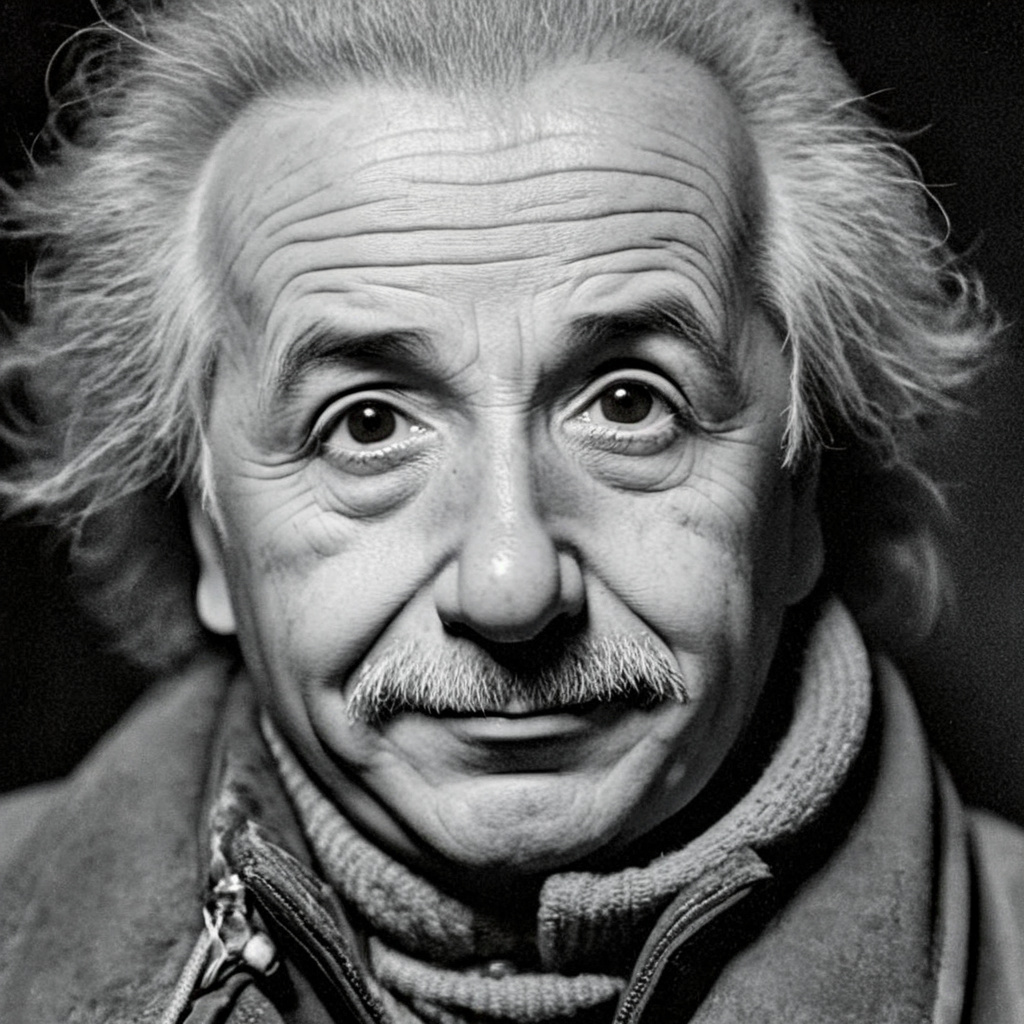
Description
This is a slightly modified version of the original workflow(from the PhotoMaker-Plus repository), which we've integrated into Visionatrix: https://github.com/Visionatrix/Visionatrix
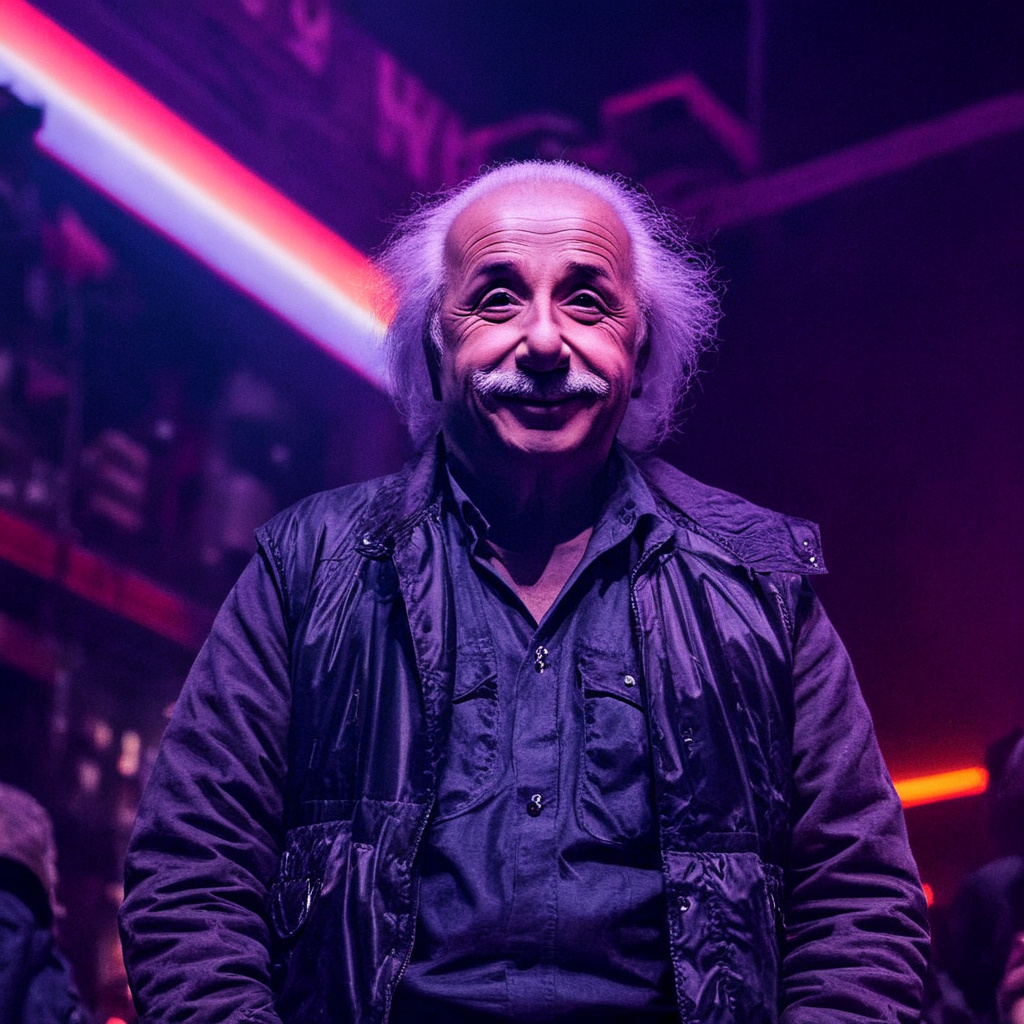
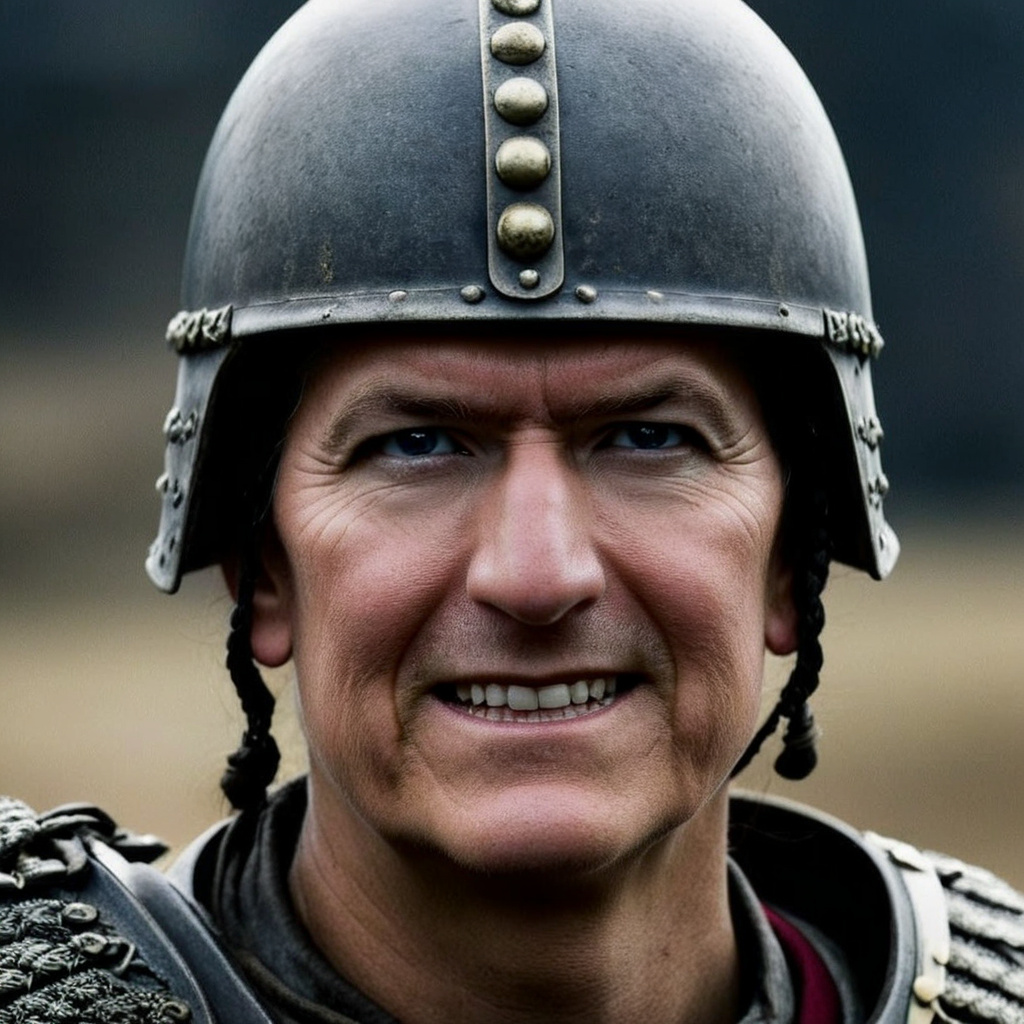
Recommended Styles in the "Apply PhotoMaker Style" node:
- (No style)
- Cinematic
- Disney Character
- Digital Art
- Photographic (Default)
- Fantasy Art
- Neonpunk
- Enhance
- Line Art
Workflow Details:
The workflow processes 4 input photos by default. However, for certain types of faces, using just two photos may yield already good results. In such cases, you can leave the other two inputs blank and mute those nodes graphs.
The key difference in this flow is the use of "Auto Crop Faces" for each input image. After cropping, background removal is applied. Based on our tests, removing the background significantly improves the quality of the final images.
I hope this will be useful to someone
Discussion
(No comments yet)
Loading...

Reviews
No reviews yet
Versions (1)
- latest (a year ago)
Node Details
Primitive Nodes (3)
PhotoMakerInsightFaceLoader (1)
PhotoMakerLoaderPlus (1)
PhotoMakerLoraLoaderPlus (1)
Custom Nodes (47)
ComfyUI
- KSampler (2)
- CheckpointLoaderSimple (1)
- EmptyLatentImage (1)
- CLIPTextEncode (2)
- VAEDecode (3)
- KSamplerAdvanced (2)
- ConditioningCombine (1)
- ConditioningSetTimestepRange (2)
- SaveImage (3)
- VAELoader (1)
- SplitImageWithAlpha (4)
- LoadImage (4)
- PreviewImage (1)
- ImageBatchMultiple+ (1)
- ImpactFloat (1)
- PhotoMakerEncodePlus (1)
- PhotoMakerStyles (1)
- AutoCropFaces (4)
- BRIA_RMBG_ModelLoader_Zho (1)
- BRIA_RMBG_Zho (4)
- StringFunction|pysssss (1)
- MathExpression|pysssss (1)
- ShowText|pysssss (1)
- Text Concatenate (1)
- Text Multiline (3)
Model Details
Checkpoints (1)
RealVisXL_V5.0_fp16.safetensors
LoRAs (0)