
Text 2 Image | Flux | Simple
5.0
0 reviews1
12.3K
2.4K
1
Description
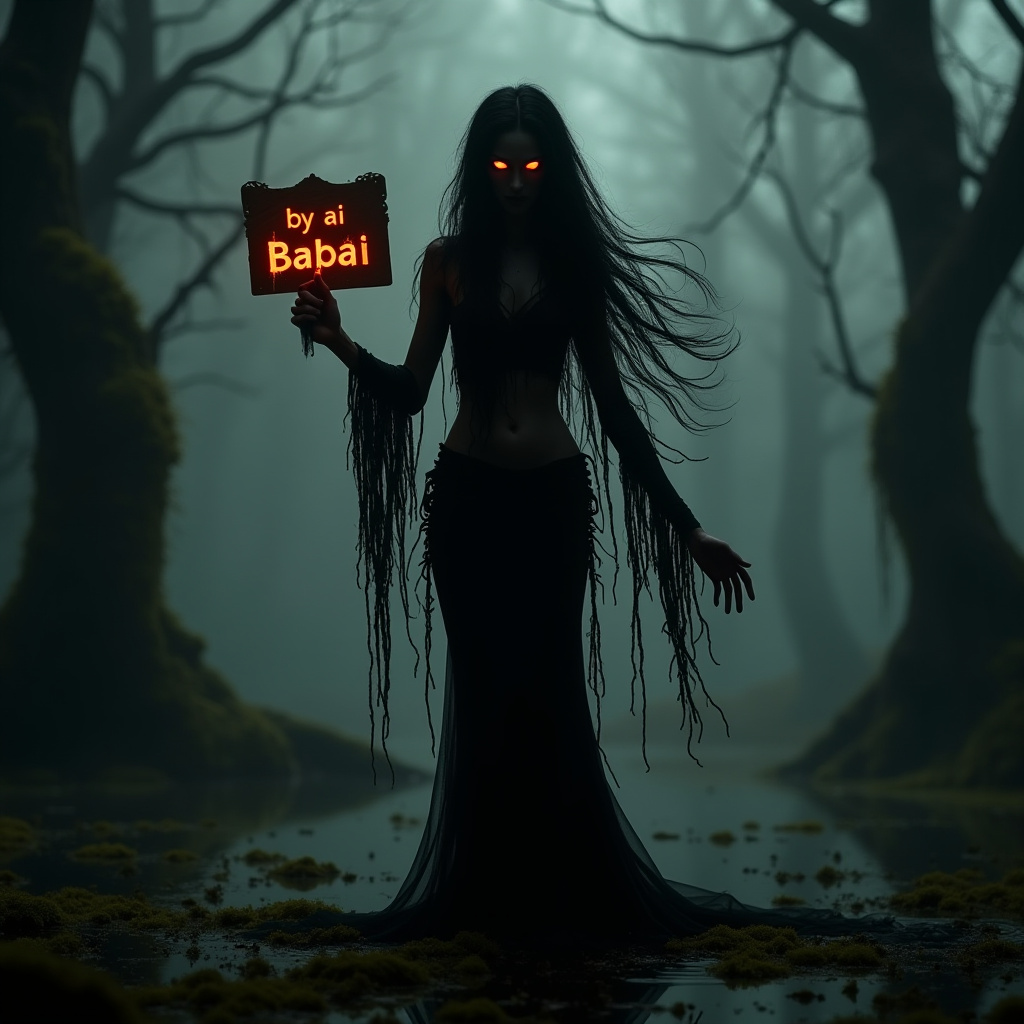
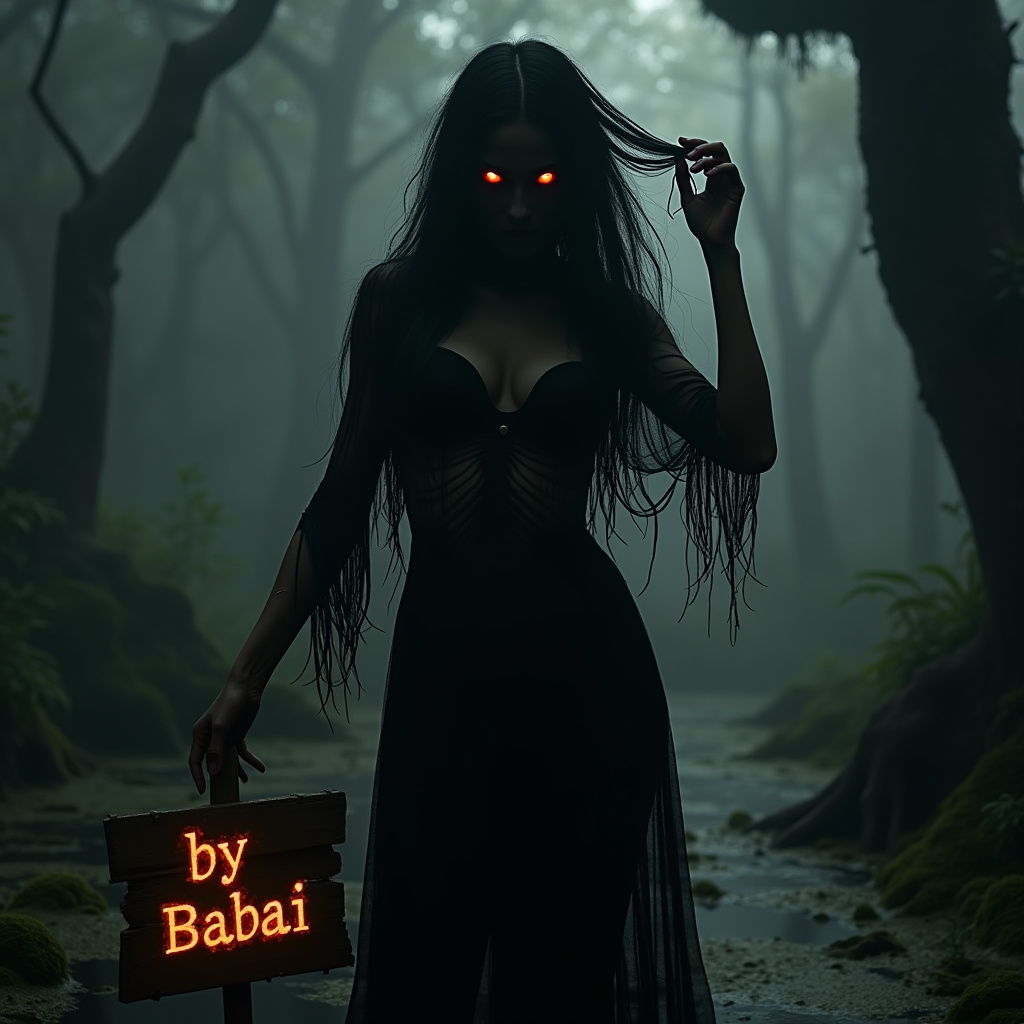
Simple Text 2 Image - Flux
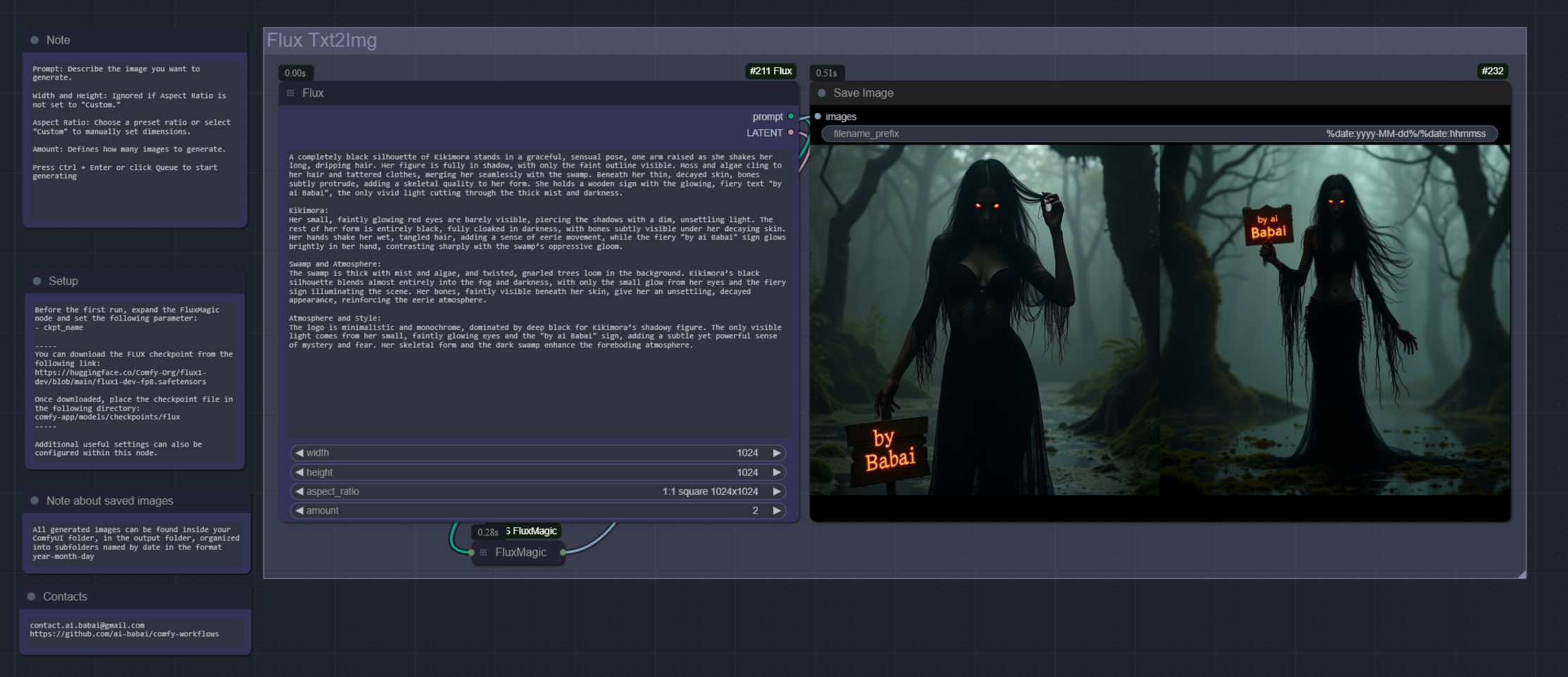
This is a basic workflow for generating images from text using Flux. The workflow allows users to input a text prompt and convert it into an image with the help of various settings and nodes, including:
- Prompt: Describe the scene or image you want to generate.
- Width and Height: Ignored if Aspect Ratio is not set to "Custom."
- Aspect Ratio: Choose a preset ratio or select "Custom" to manually set dimensions.
- Amount: Defines how many images to generate.
Before the first run, expand the FluxMagic node and set the following parameter:
- ckpt_name
You also need to install one extension: Comfyroll Studio
Press Ctrl + Enter or click Queue to start the process.
You can download the FLUX checkpoint from the following link:
- https://huggingface.co/Comfy-Org/flux1-dev/blob/main/flux1-dev-fp8.safetensors
- flux1-dev-fp8.safetensors 17.2 GB
or
- https://huggingface.co/Comfy-Org/flux1-schnell/blob/main/flux1-schnell-fp8.safetensors
- flux1-schnell-fp8.safetensors 17.2 GB
(for schnell, you need to set the steps to 4 in the FluxMagic node.)
contacts:
Discussion
(No comments yet)
