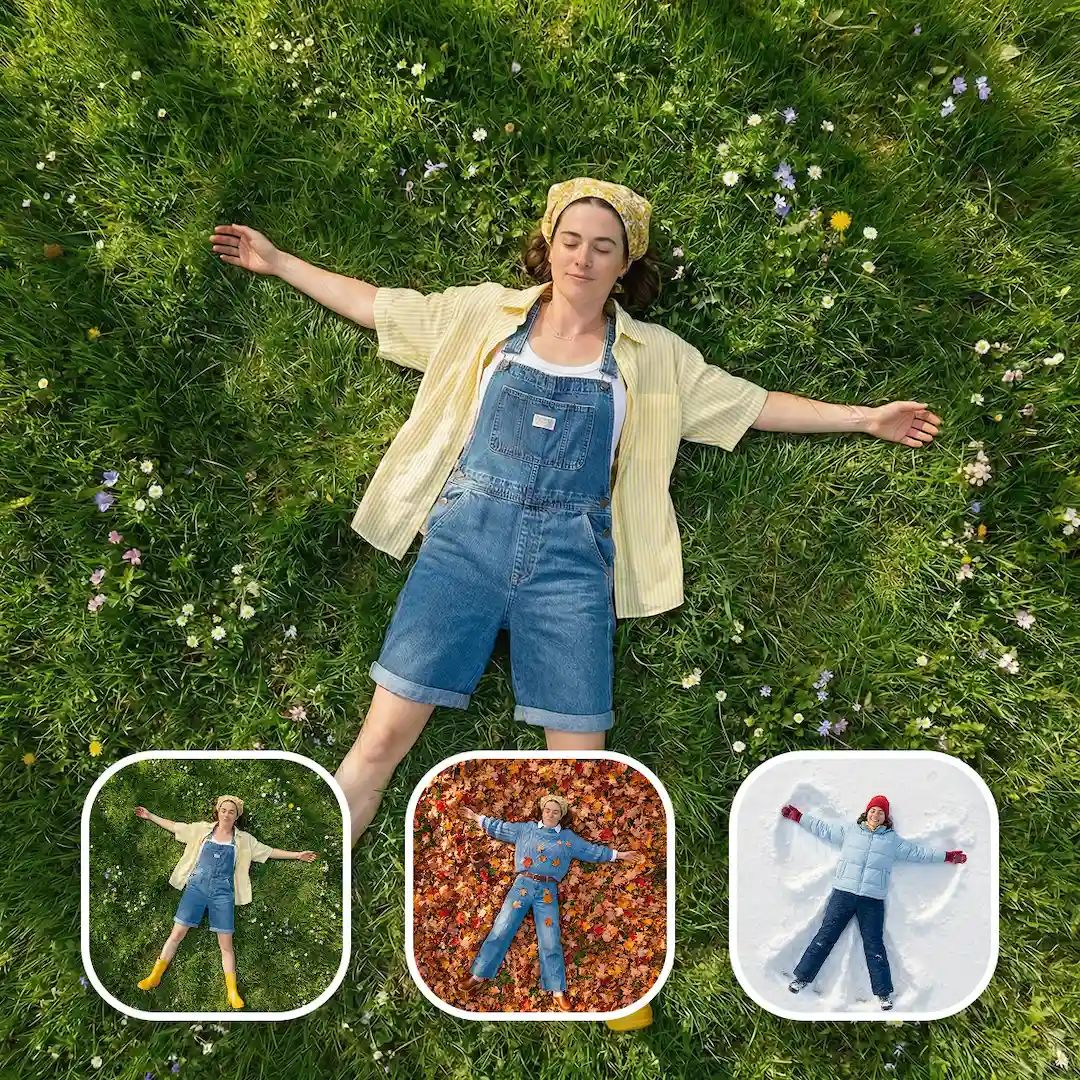
ComfyUI Z-Image Turbo Guide: ControlNet, Upscaling & Inpainting Made Easy With Ultimate Workflow
5.0
2 reviewsDescription
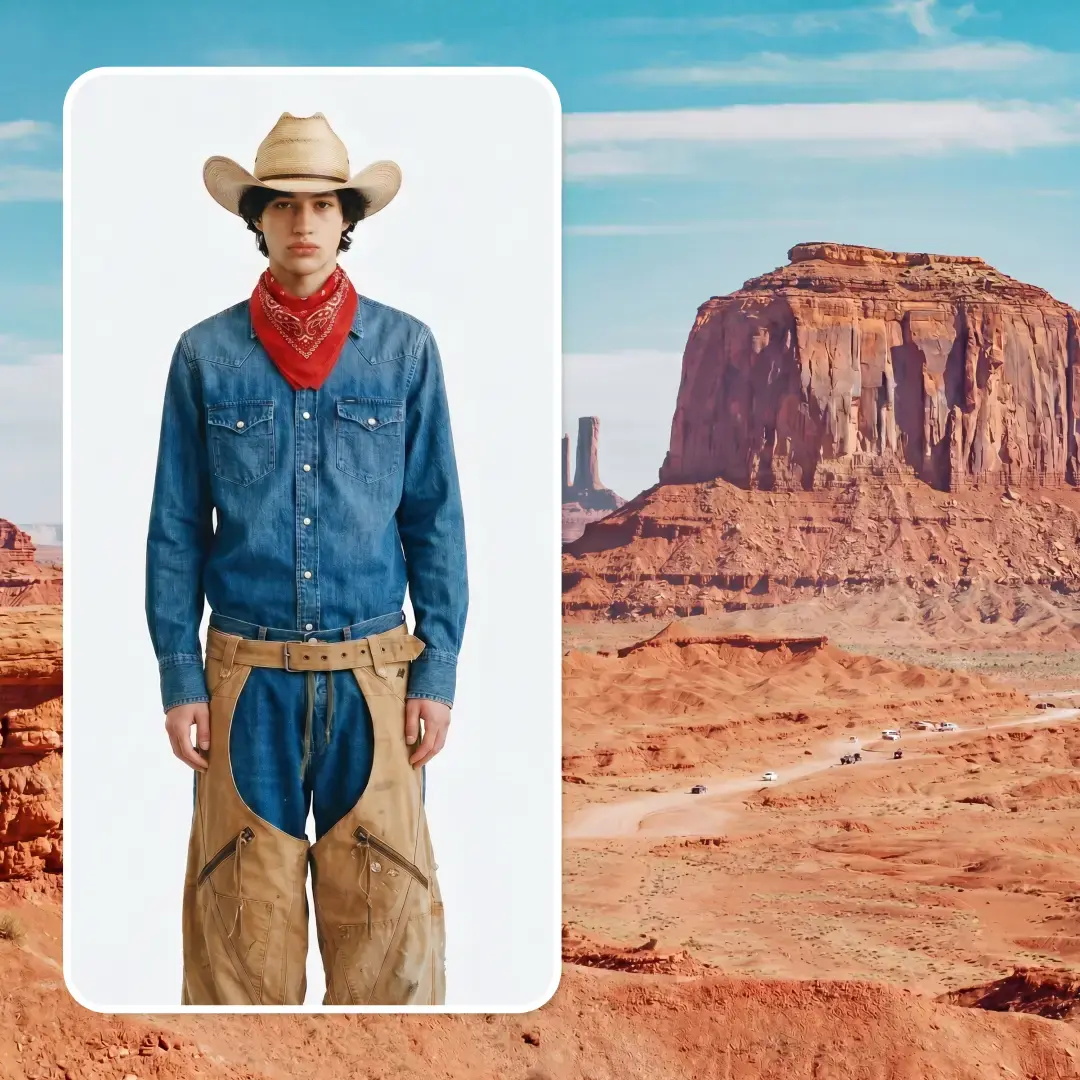
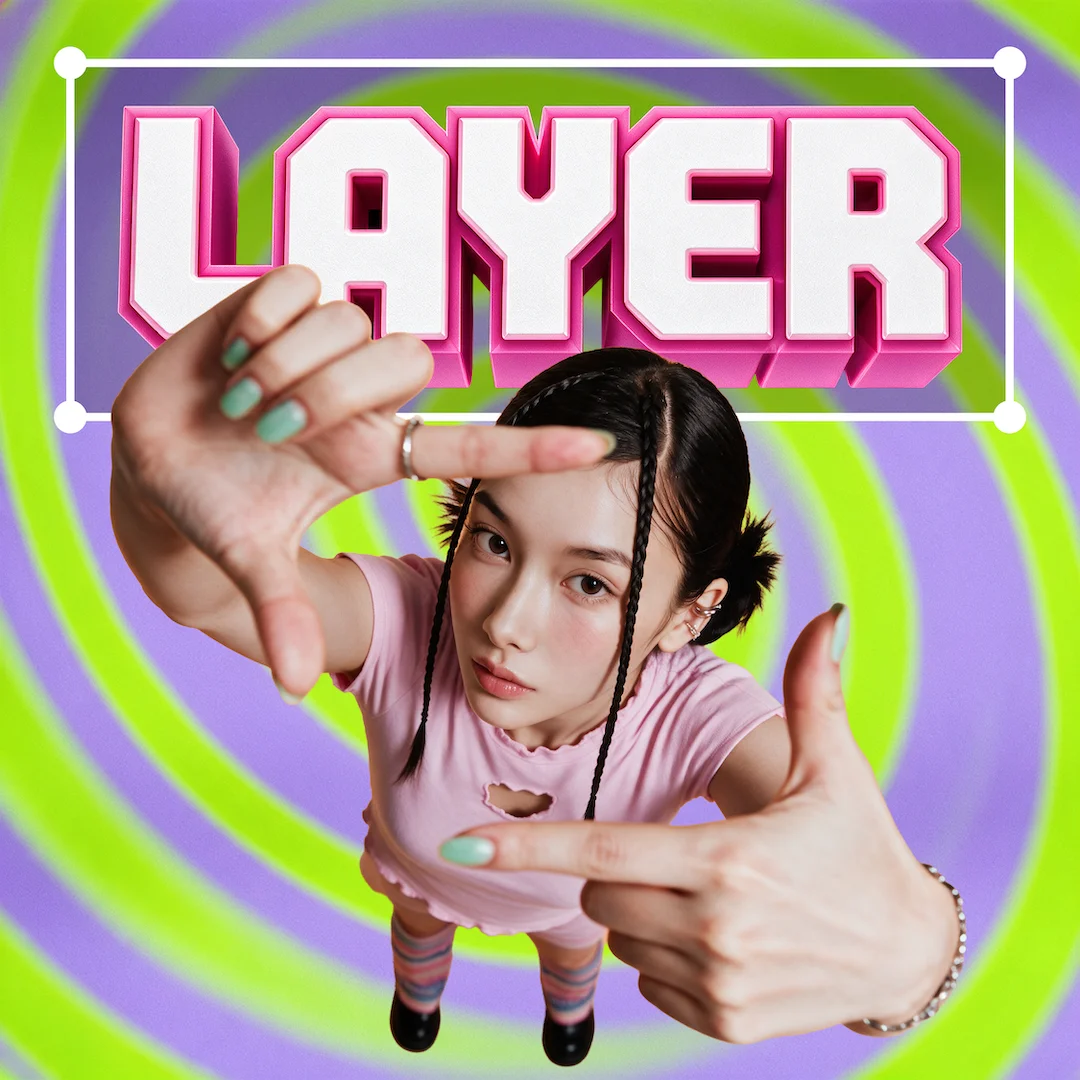
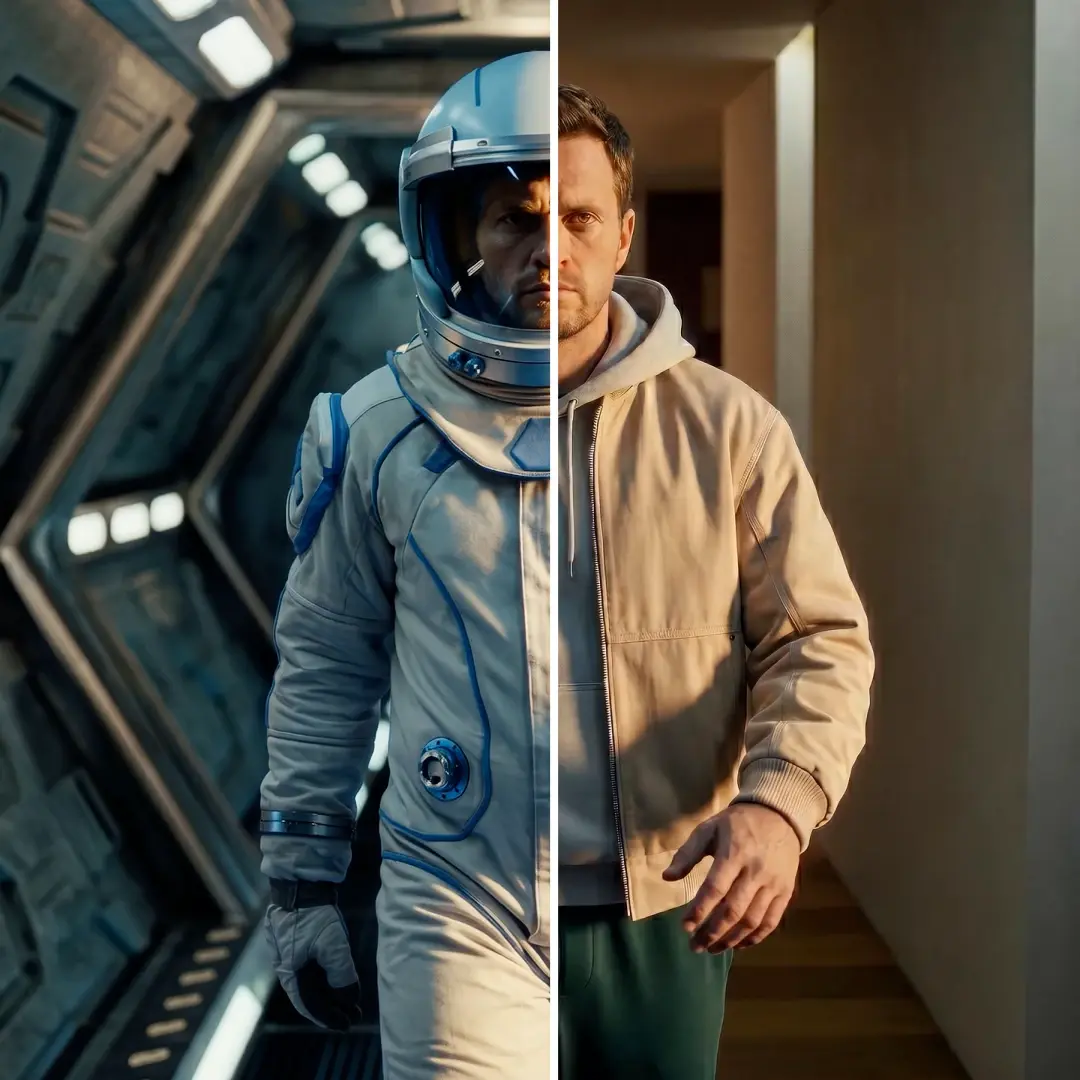
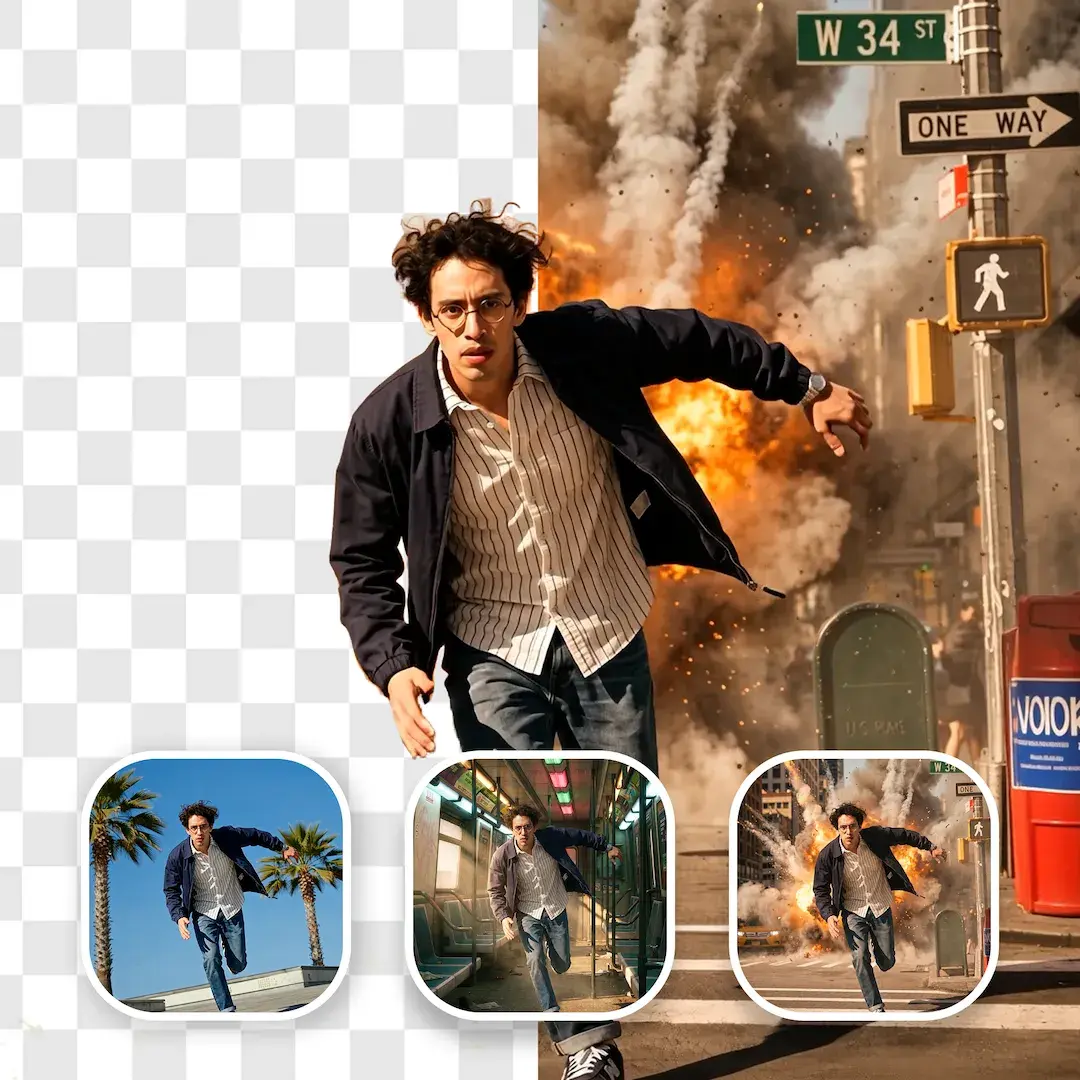
On this tutorial I will show you how to use z image turbo ultimate workflow that allows you to do upscaling, inpainting and generate controled images using controlnet model. you will achieve unic results and take your images to the next level with the power of z image turbo BF16 & GGUF. model The workflow include :Qwenvl for image to prompt generation, flashvsr for upscaling, and SAM3 for mask creation that will be used in inpainting.
Video tutorial link:
Discussion
(No comments yet)
Loading...
Reviews
No reviews yet
Versions (1)
- latest (9 days ago)
Node Details
Primitive Nodes (121)
AILab_QwenVL (3)
CropByMask (1)
EmptySD3LatentImage (1)
Fast Groups Bypasser (rgthree) (5)
FlashVSRNode (1)
GetNode (57)
Image Comparer (rgthree) (2)
ImageRemoveAlpha+ (1)
ImageResizeKJv2 (2)
Label (rgthree) (4)
LoaderGGUF (1)
ModelPatchLoader (1)
ModelSamplingAuraFlow (2)
Note (3)
PreviewAny (1)
QwenImageDiffsynthControlnet (1)
SAM2Segment (1)
SAM3Segment (1)
SetNode (32)
Switch mask [Crystools] (1)
Custom Nodes (57)
- CR Prompt List (4)
ComfyUI
- VAELoader (1)
- CLIPTextEncode (5)
- VAEDecode (3)
- LoadImage (5)
- KSampler (3)
- SaveImage (5)
- ConditioningZeroOut (1)
- CLIPLoader (1)
- ImageCompositeMasked (1)
- DifferentialDiffusion (1)
- UpscaleModelLoader (1)
- ImageUpscaleWithModel (1)
- InpaintModelConditioning (1)
- PreviewImage (2)
- UNETLoader (1)
- EmptyLatentImage (1)
- ImageScaleToTotalPixels (2)
- Canny (1)
- easy cleanGpuUsed (6)
- easy stylesSelector (1)
- MaskPreview+ (2)
- GetImageSize+ (1)
- DWPreprocessor (1)
- DepthAnythingPreprocessor (1)
- GrowMaskWithBlur (1)
- ShowText|pysssss (3)
- UltimateSDUpscale (1)
Model Details
Checkpoints (0)
LoRAs (0)