Total Video Transformation with RAVE and AnimateDiff
5.0
0 reviewsDescription
Tips
Workflow development and tutorials not only take part of my time, but also consume resources. If you like the workflow, please consider a donation or to use the services of one of my affiliate links:
Help me with a ko-fi: https://ko-fi.com/koalanation
šØUse Runpod and I will get credits! https://runpod.io?ref=617ypn0kšØ
ššš„ Run ComfyUI without installation with:
What this workflow does
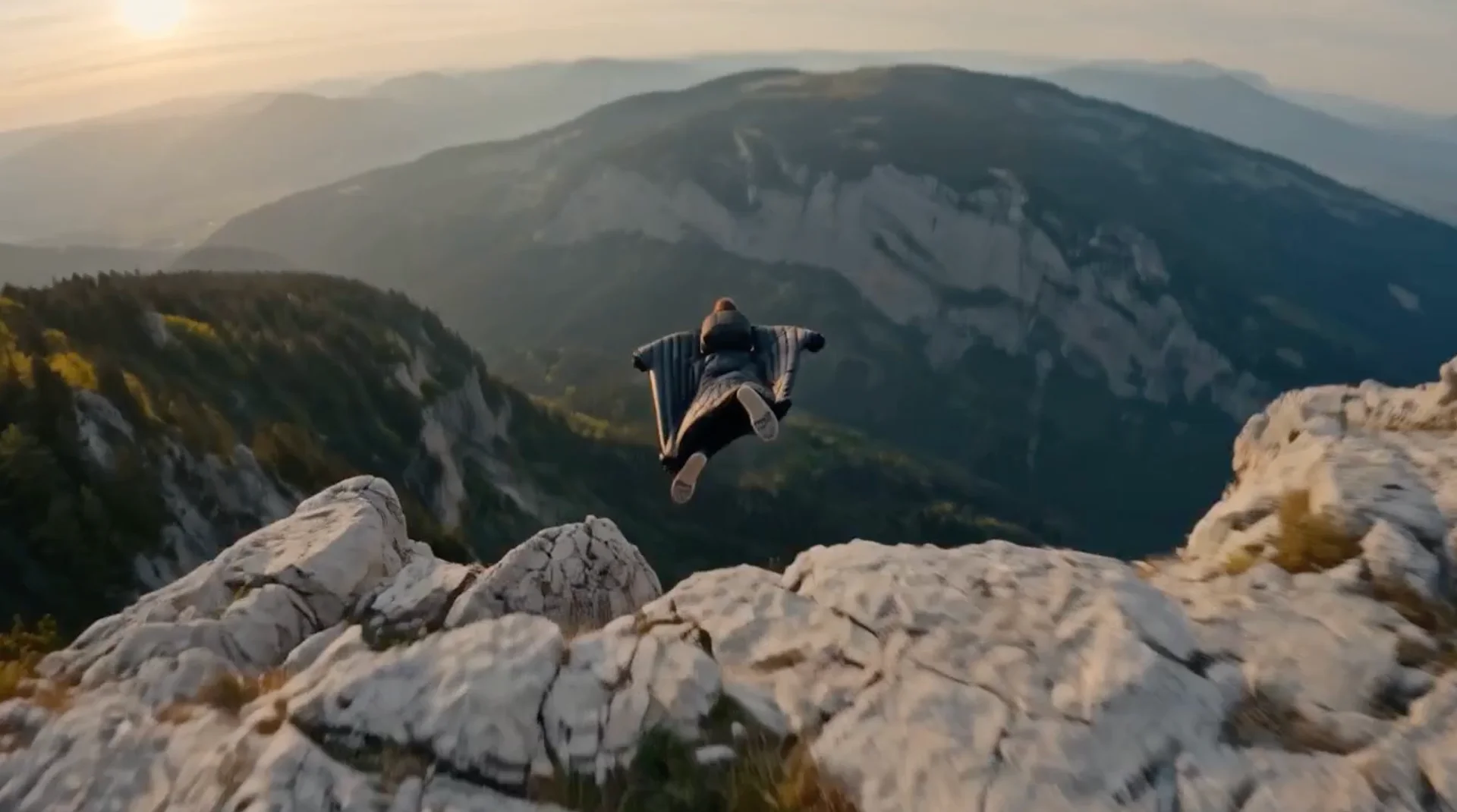
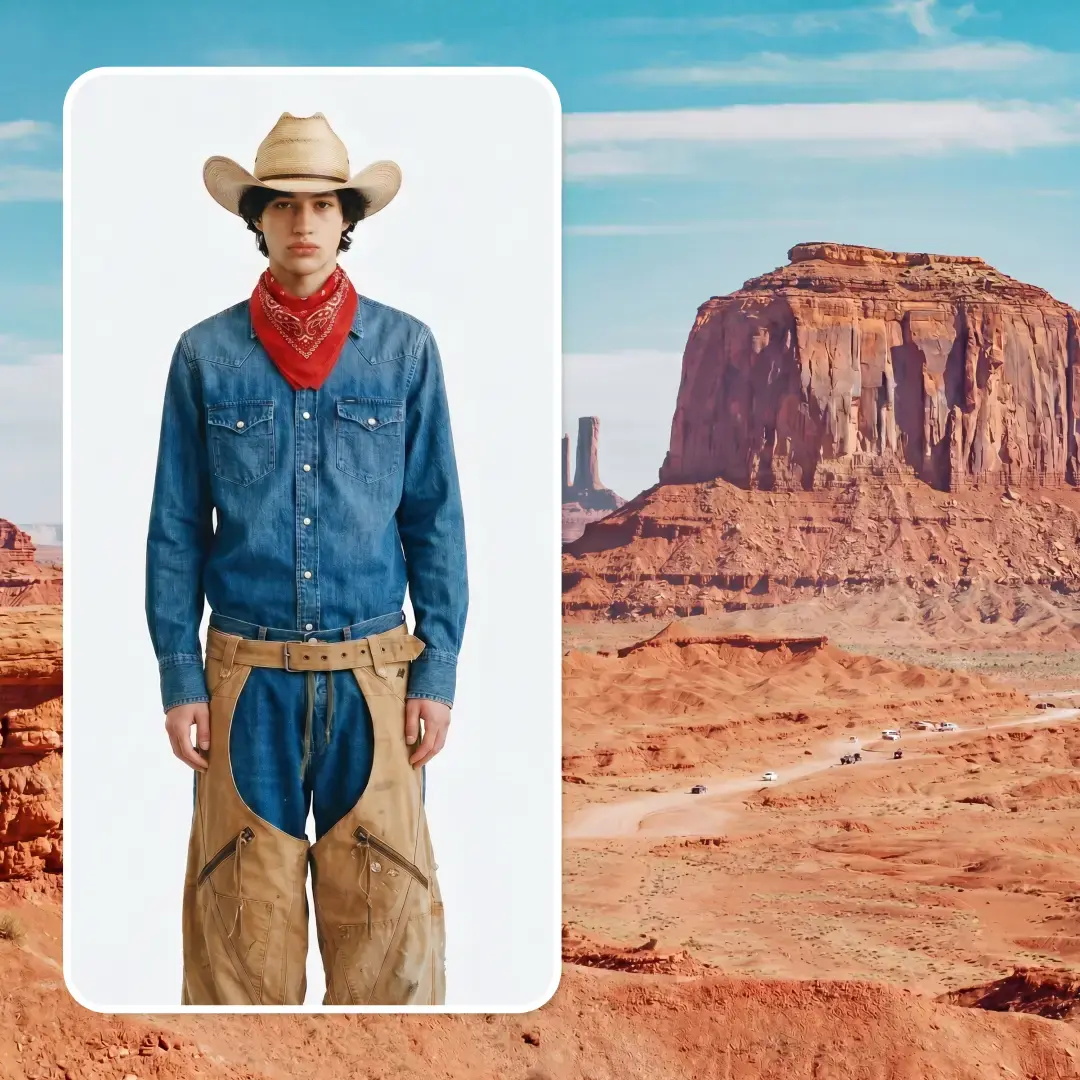
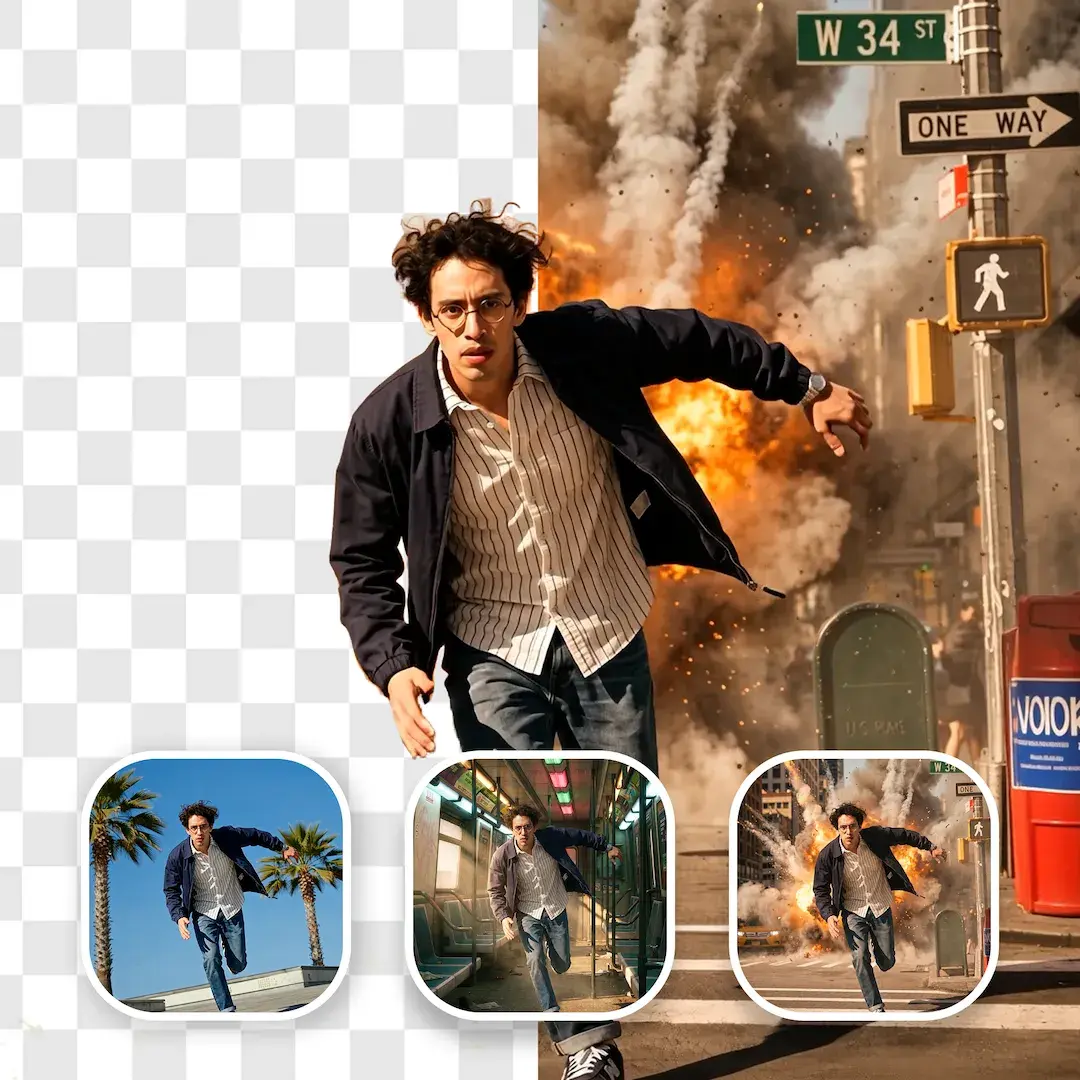
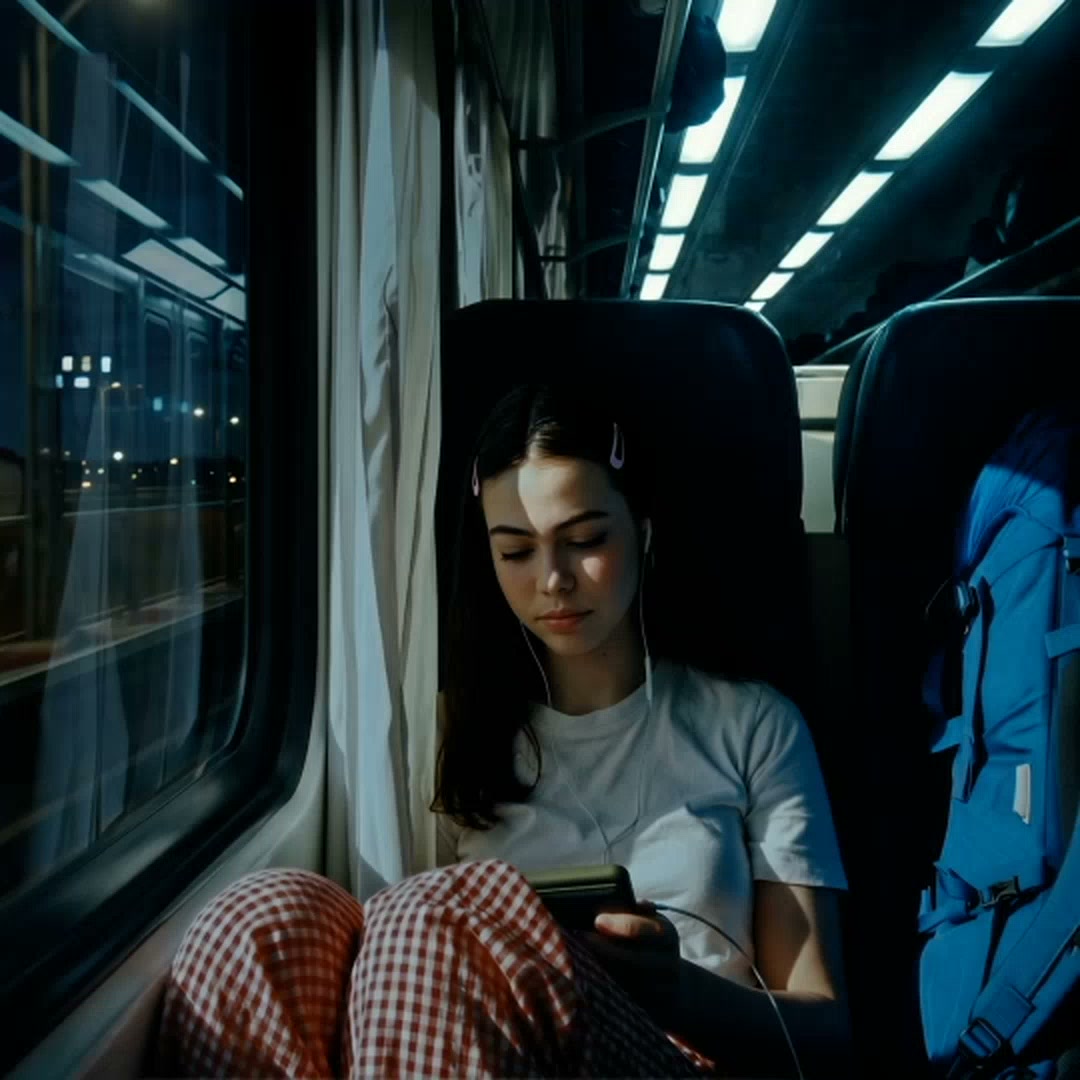
You can easily transform any boring video or clip and create a fantastic animation, completely change objects or change scenes. It is ideal to create reels in Instagram or Tik Tok videos.
It is a relatively simple workflow that uses the new RAVE method in combination with AnimateDiff.
š„ Video demo link
š Tutorial (incl. resources): Ā https://youtu.be/4826j---2LU
Tips
Workflow development and tutorials not only take part of my time, but also consume resources. Please consider a donation or to use the services of one of my affiliate links:
Help me with a ko-fi: https://ko-fi.com/koalanation
ššš„ Run ComfyUI without installation with:
ThinkDiffusion: https://tinyurl.com/4nh2yyen
RunDiffusion: https://tinyurl.com/ypp84xjp
Instructions for Openart. AI runnable workflow
1- Load your video and do not use many frames. You may want to start rescale to 0.5 for HD videos. Do not process too many frames
2- Change/use the right models/checkpoints: Realistic vision (checkpoint), Depth or LooseControl and AnimateDiff_controlnet (instead of controlGif) for controlNet, v3sd1.5 adapter (Lora).


3- Change the prompt and play with it!
How to use this workflow (download)
- The tutorial contains more details in how to get the different resources
- Download the workflow and the resources (videos) if you want to follow the tutorial
- Install custom nodes via custom manager
- Install required models (checkpoints, ControlNet, AnimateDiff)
- Update ComfyUI and restart
- Check that the models are properly loaded (check that the names are the same as your model names)
- Do a test run with a low number of frames (16) to check everything works
- Adjust your settings, change models, add CN's, add IP Adapters, etc., Ā until you get satisfactory results
- Run the complete animation: beware of VRAM use of RAVE KSampler.
Tips about this workflow
- This workflow is setup to work with AnimateDiff version 3. For other versions, it is not necessary to use the Domain Adapter (Lora). You only need to deactivate or bypass the Lora Loader node.
- Unsampling originally works with Depth, but with LooseDepth you can achieve bigger transformation of objects and scenes.
- The workflow works good with other controlnets besides ControlGIF.
- IP Adapter also provides nice consistent results when applied with the Ā first image generated from the RAVE KSampler.
- I did not manage yet to get it working nicely with SDXL, any suggestion/trick is appreciated.
- The RAVE Ksampler also uses quite VRAM. I manage to process 96 frames with a 4090 24 GB with SD1.5 type of videos.
Additional information
- RAVE method: Ā https://rave-video.github.io/
- Rave ComfyUI node: Ā https://github.com/spacepxl/ComfyUI-RAVE?tab=readme-ov-file
- AnimateDiff Evolved: Ā https://github.com/Kosinkadink/ComfyUI-AnimateDiff-Evolved
- AnimateDiff version 3: Ā https://github.com/guoyww/AnimateDiff an
Discussion
(No comments yet)
Loading...
Reviews
No reviews yet
Versions (1)
- latest (2 years ago)
Node Details
Primitive Nodes (15)
Reroute (15)
Custom Nodes (25)
- ADE_AnimateDiffUniformContextOptions (1)
- ADE_AnimateDiffLoaderWithContext (1)
ComfyUI
- LoraLoaderModelOnly (1)
- LatentUpscaleBy (1)
- VAEEncode (1)
- KSamplerAdvanced (1)
- VAEDecode (2)
- PreviewImage (1)
- CLIPTextEncode (3)
- CheckpointLoaderSimple (1)
- ControlNetApplyAdvanced (1)
- ControlNetLoader (2)
- Zoe-DepthMapPreprocessor (1)
- BNK_Unsampler (1)
- ACN_AdvancedControlNetApply (2)
- KSamplerRAVE (1)
- VHS_VideoCombine (2)
- VHS_LoadVideo (1)
- Image Resize (1)
Model Details
Checkpoints (1)
juggernaut.safetensors
LoRAs (1)
v3_sd15_adapter.ckpt