Image Realistic Composite & Refine ComfyUI Workflow
5.0
1 reviewsDescription
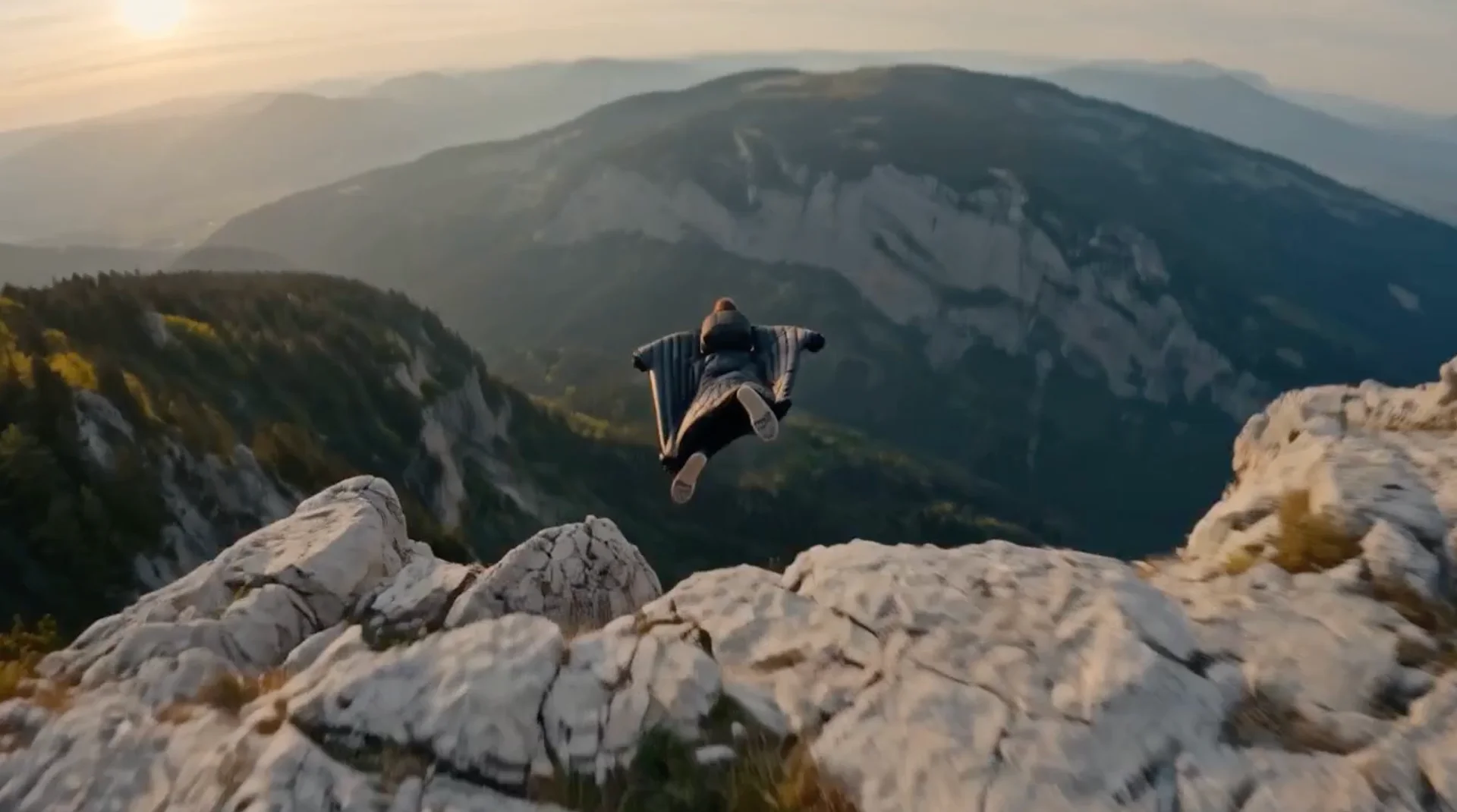
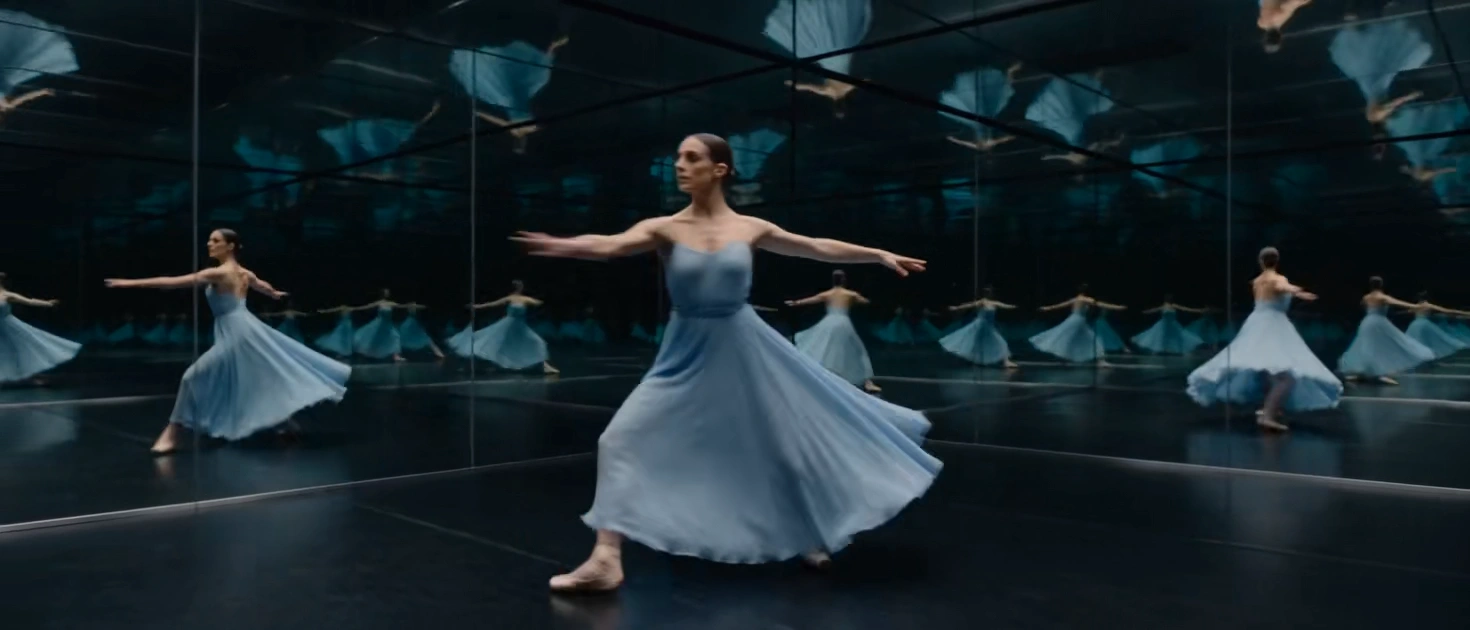
Edit the parameters in the Compostion Nodes Group to bring the image to the correct size and position, describe more about the final image to refine the entire image consistency and aesthetic lighting and composition, try a few times to get the desired results
Checkpoint: https://civitai.com/models/397741/robmix-cosxl-edit
---------------------------
Discord: https://discordapp.com/users/339415040308412418
Any support is appreciated, thank you very much :)
patreon.com/akihungac
buymeacoffee.com/akihungac
paypalme/manhtuanphoto
Discussion
(No comments yet)
Loading...
Resources (6)
Reviews
No reviews yet
Versions (1)
- latest (2 years ago)
Node Details
Primitive Nodes (6)
PrimitiveNode (3)
Reroute (3)
Custom Nodes (46)
- CM_FloatBinaryOperation (2)
- CM_FloatToInt (2)
ComfyUI
- InvertMask (1)
- CheckpointLoaderSimple (1)
- ImageToMask (1)
- PreviewImage (8)
- FreeU_V2 (1)
- SelfAttentionGuidance (1)
- RescaleCFG (1)
- RandomNoise (1)
- InstructPixToPixConditioning (1)
- DualCFGGuider (1)
- KSamplerSelect (1)
- SamplerCustomAdvanced (1)
- VAEDecode (1)
- ImageScaleToTotalPixels (2)
- ModelSamplingContinuousEDM (1)
- BasicScheduler (1)
- CLIPTextEncode (2)
- LoadImage (2)
- MaskToImage (1)
- BRIA_RMBG_ModelLoader_Zho (1)
- BRIA_RMBG_Zho (1)
- Change Channel Count (1)
- Cut By Mask (3)
- Mask To Region (1)
- ReActorFaceSwap (1)
- Image Size to Number (2)
- Image Blank (1)
- Image Transpose (2)
Model Details
Checkpoints (1)
robmixCosxlEdit_cosxlEdit10\robmixCosxlEdit_cosxlEdit10.safetensors
LoRAs (0)